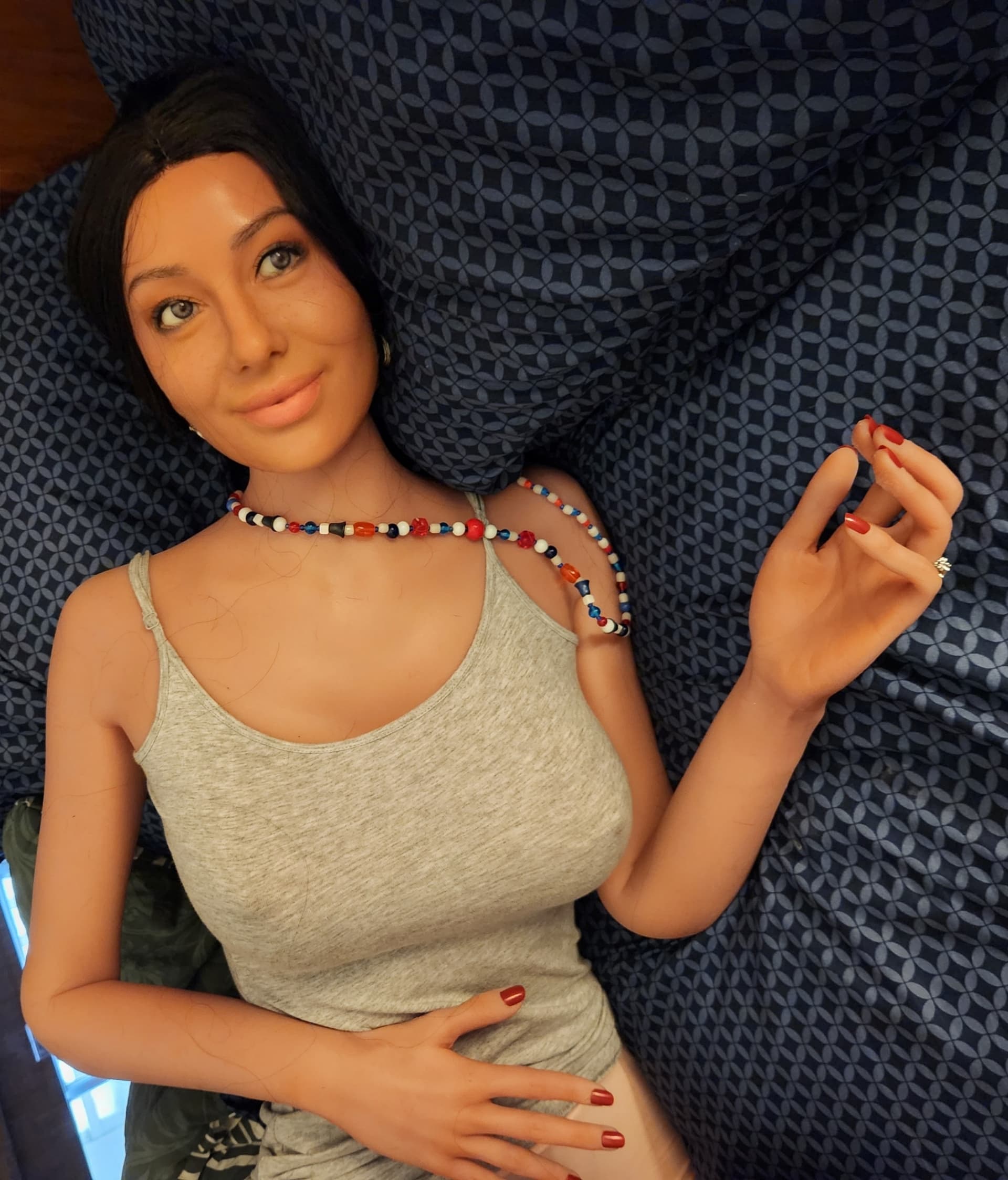
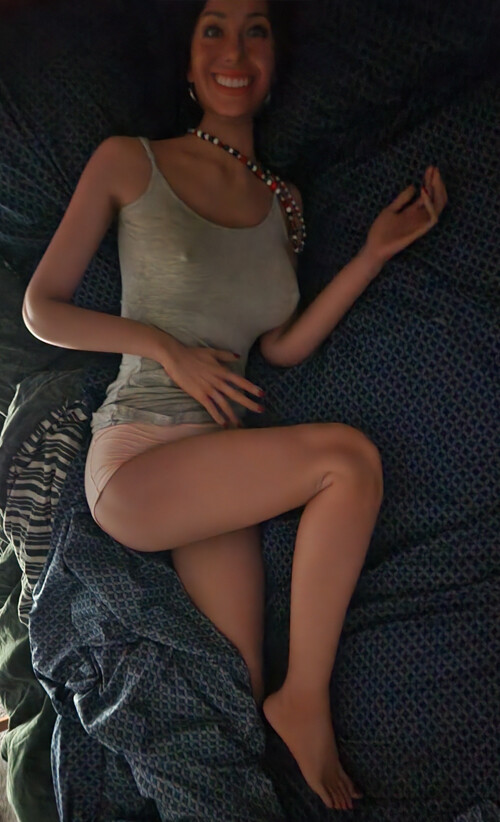
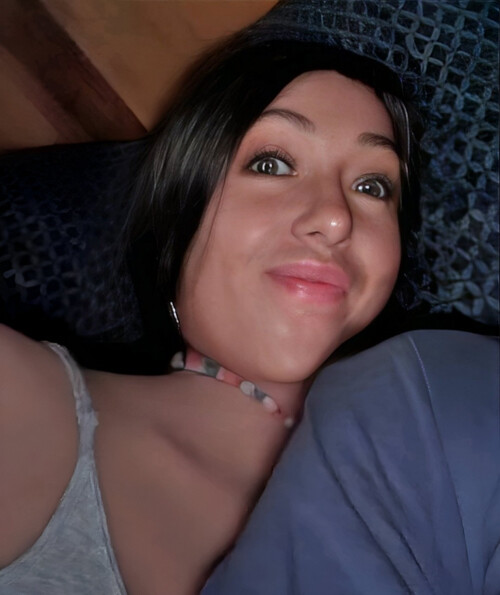
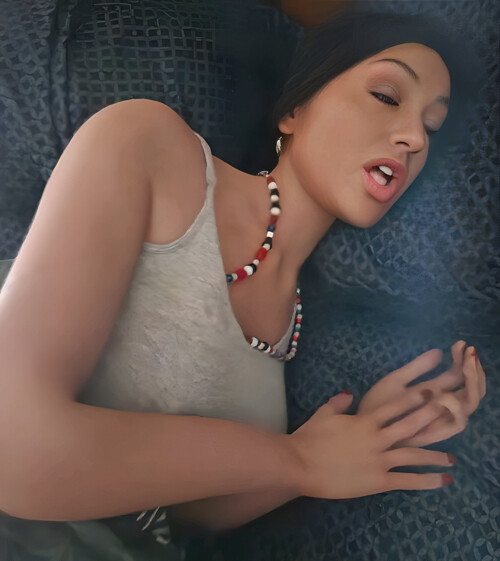
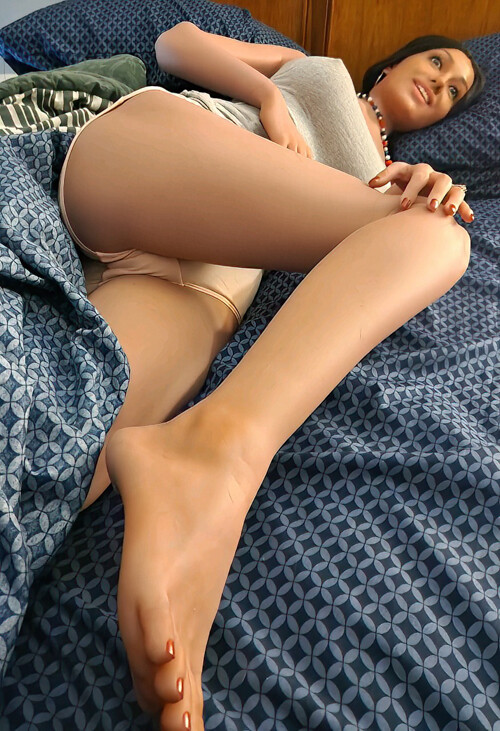
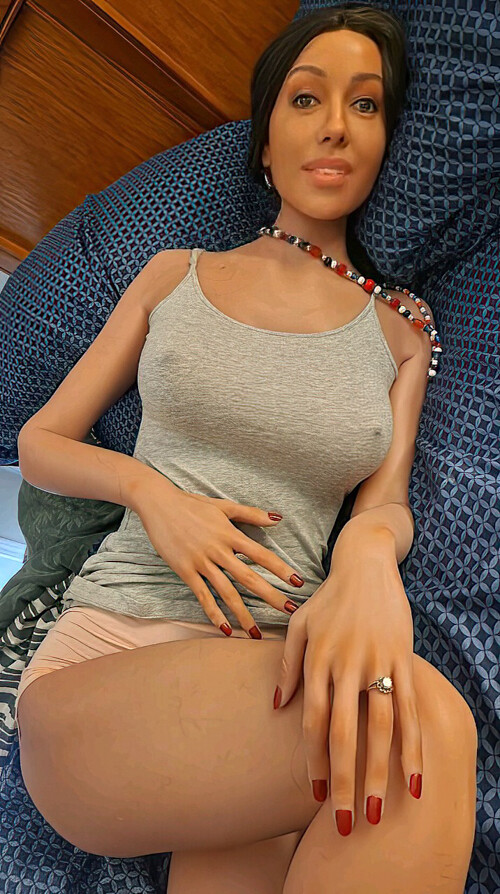
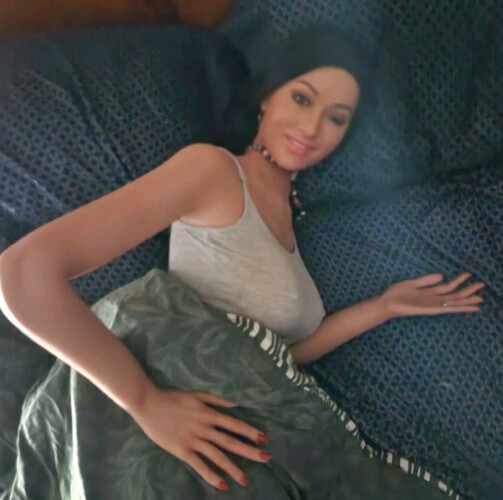
The thing about Amber, at heart she’s a cuddlebug. Get her comfy in a bed and she can’t help but be happy.
4 Likes
I’m loving these latest photos! 
 Amber’s So lovely @OscarD
Nice! 
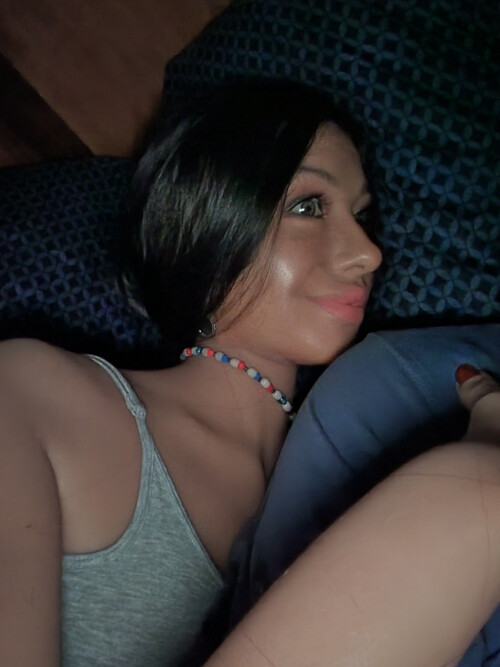
Amber appears to be drooling on your pillow Oscar….
But I am sure you don’t mind 
Hey, she’s the one who washes the sheets, so she can do whatever!
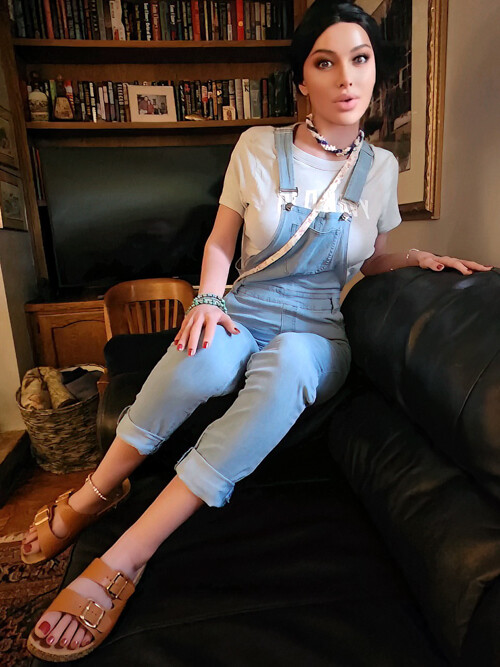
She’s cute as can be, but I think we can all agree that the Birkenstocks have to go.
(where this came from - it was a funny scene)
4 Likes
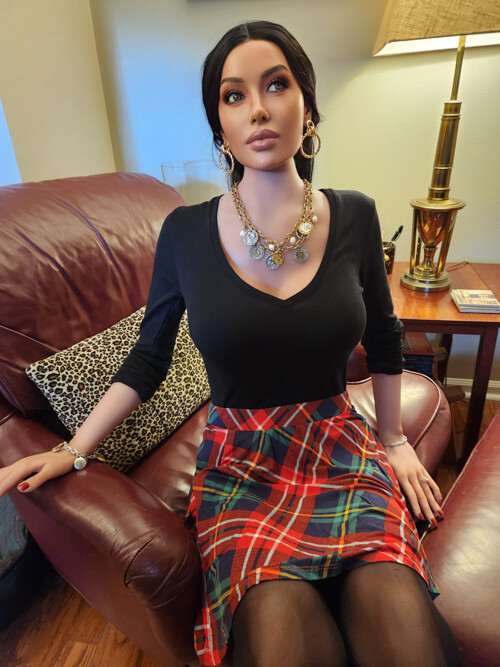
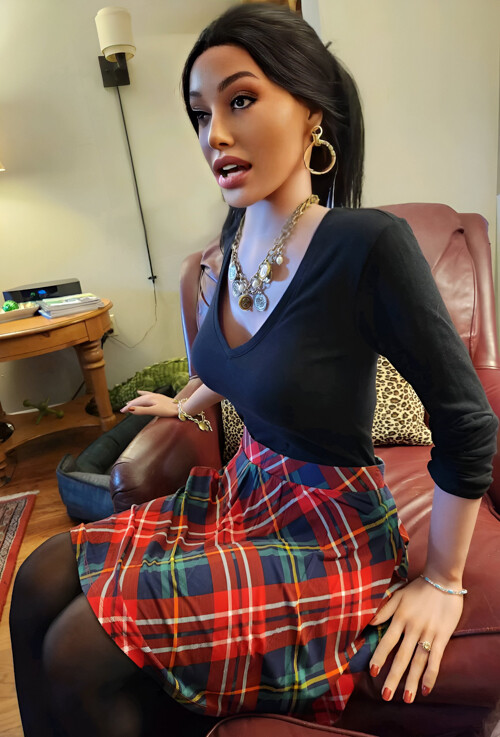
A couple of shots from Amber’s latest thing - which I posted in the Doll Stories room: Amber and Katie in...The Stepmonster - #3 by OscarD
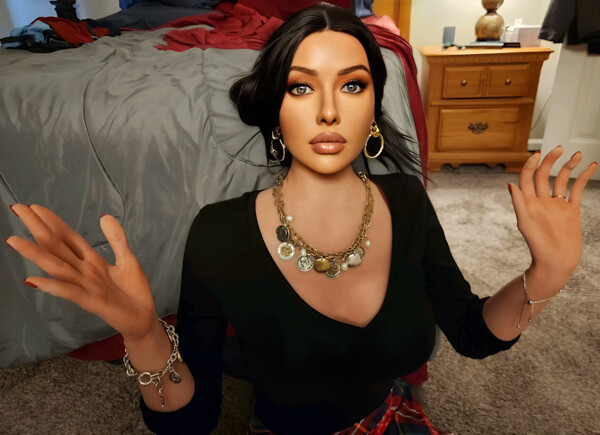
4 Likes
Really nice, Amber is a sweetie! 

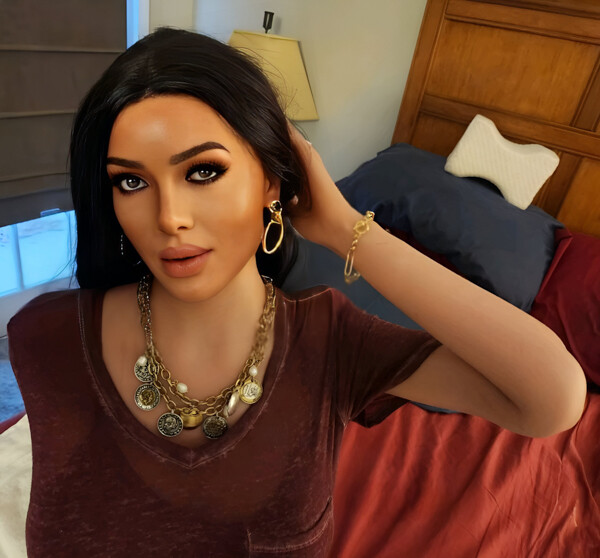

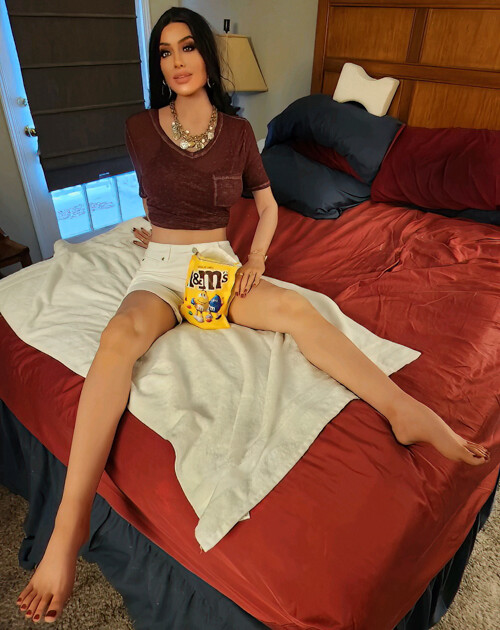
4 Likes
Your girls are great. I love the poses and outfits. I sometimes use the basic version of faceapp for a smile but I really like the facial expressions your girls have. 
OK, I’ll tell you my secret.
So we’ll start with a raw pic, like this…
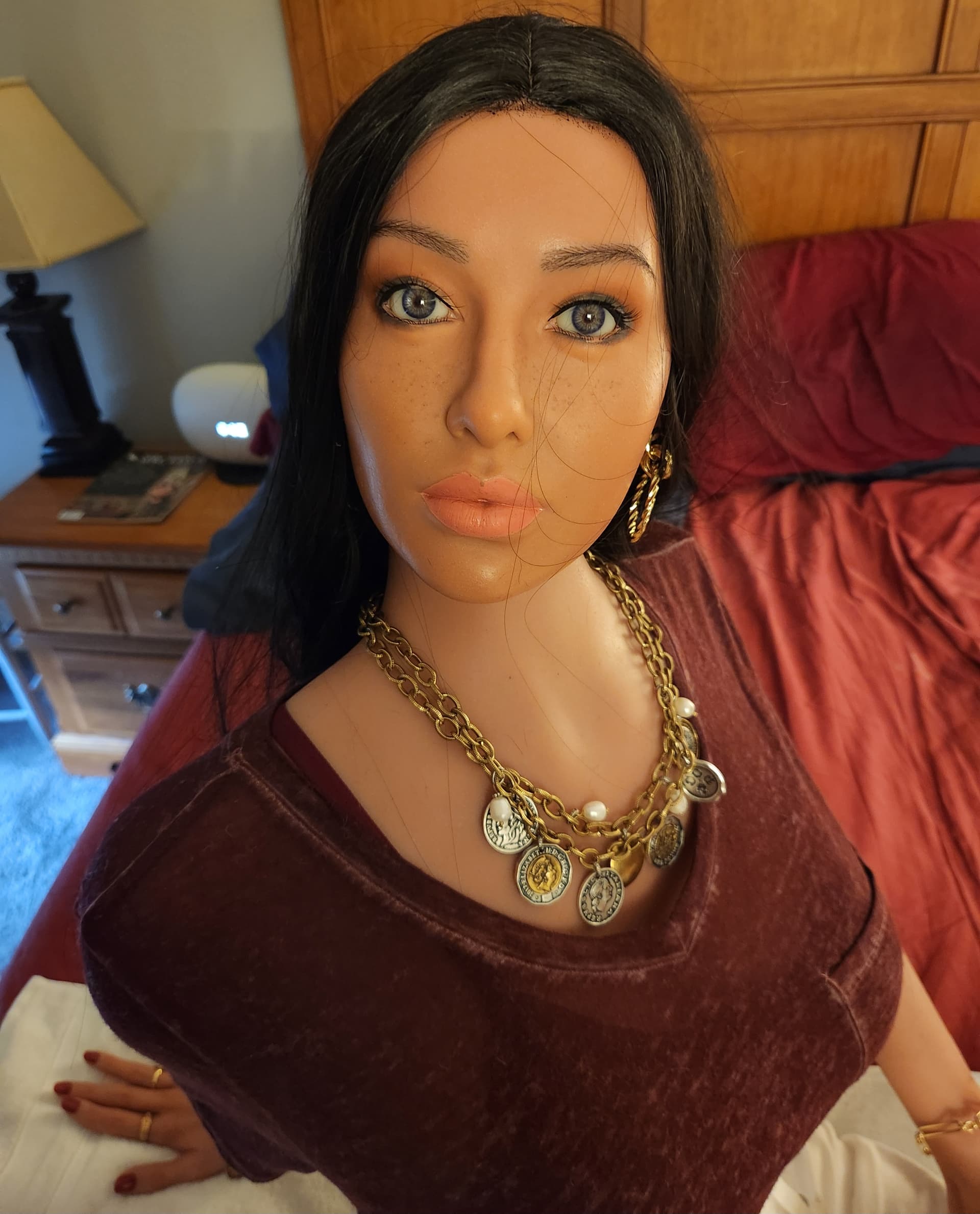
I’ll put it through Photoshop and clean up the obvious stuff, like for example I’ll edit out Amber’s neck seam. In this case I didn’t have to do that because it didn’t show thanks to the camera angle.
But the next thing I’ll do, when the situation calls for it, is to wash the image through FaceApp and that’s where Amber will get her makeup. First I’ll put the image through the Impression filter and for Amber, the impression I always use is “Kiss,” at level 4. It’s the one which looks best on her…
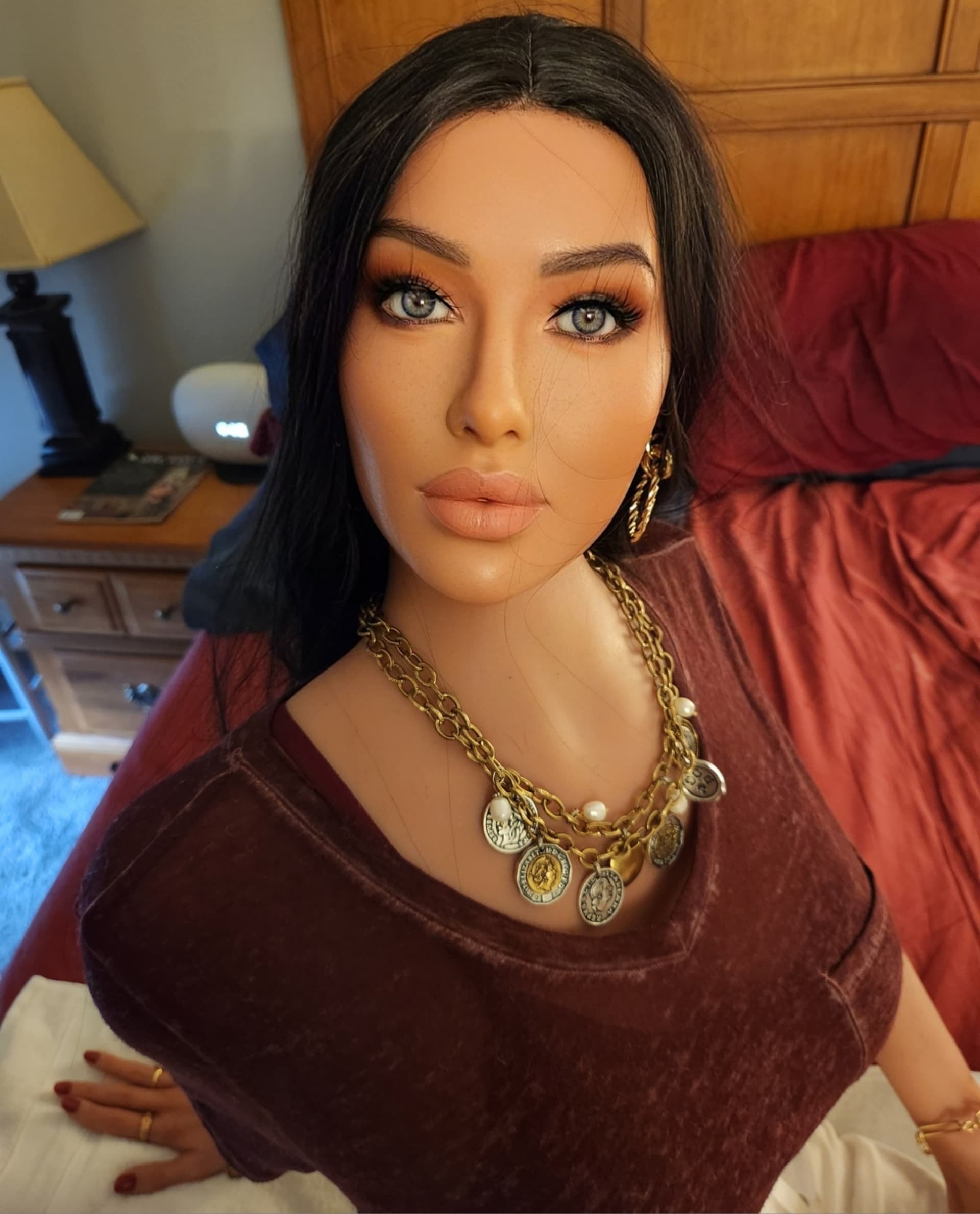
And then it’s time to put some makeup on her. For this, I’ll go with something dramatic just so we can show the effect, so I’m going to go with “Dark” and level 5…
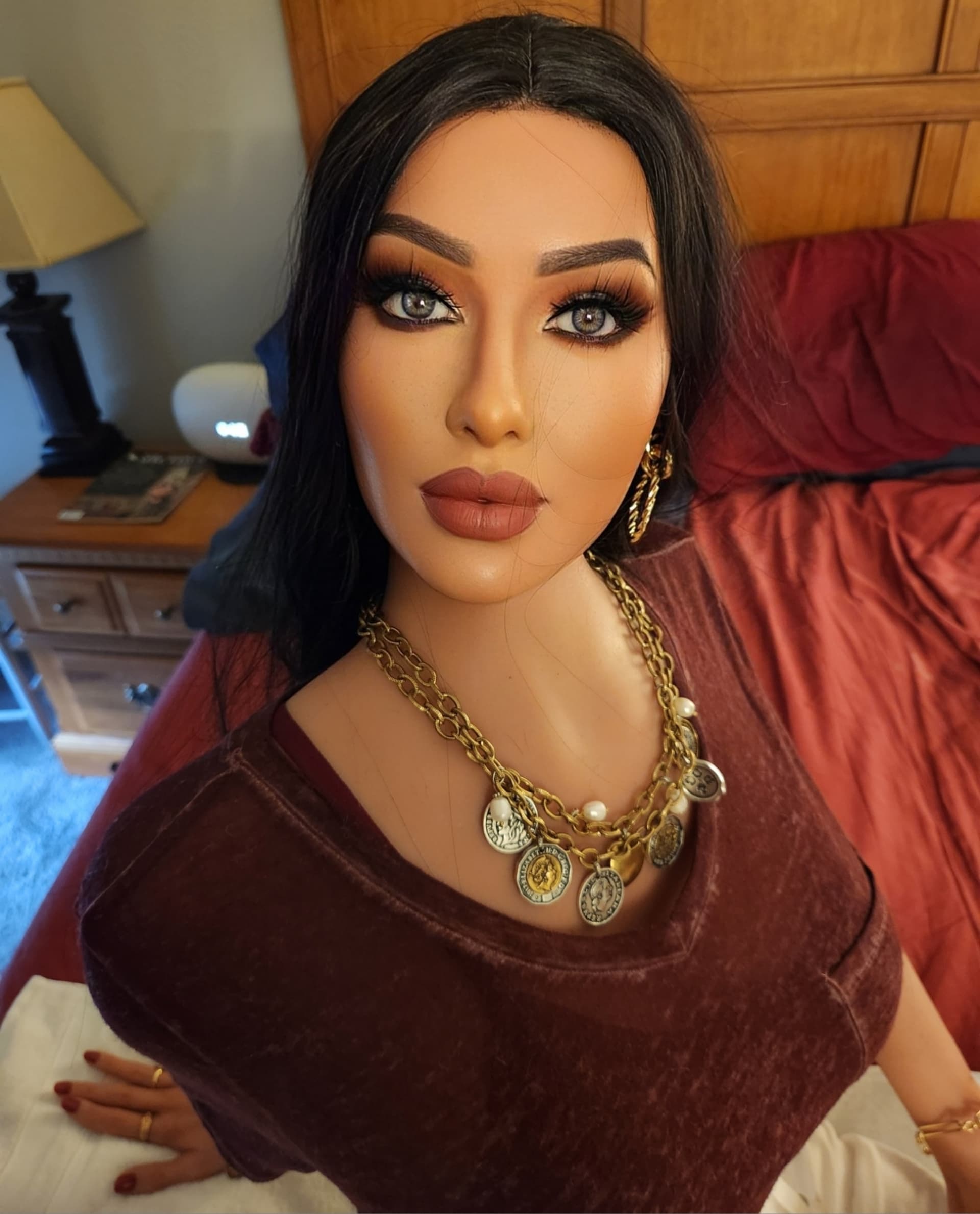
Check out those eyes! Don’t they just pop, or what?
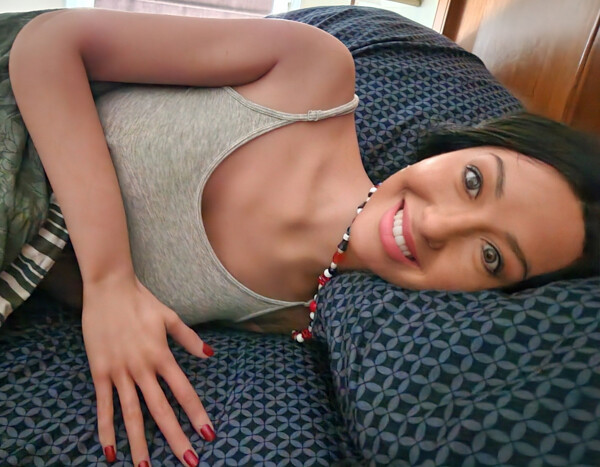
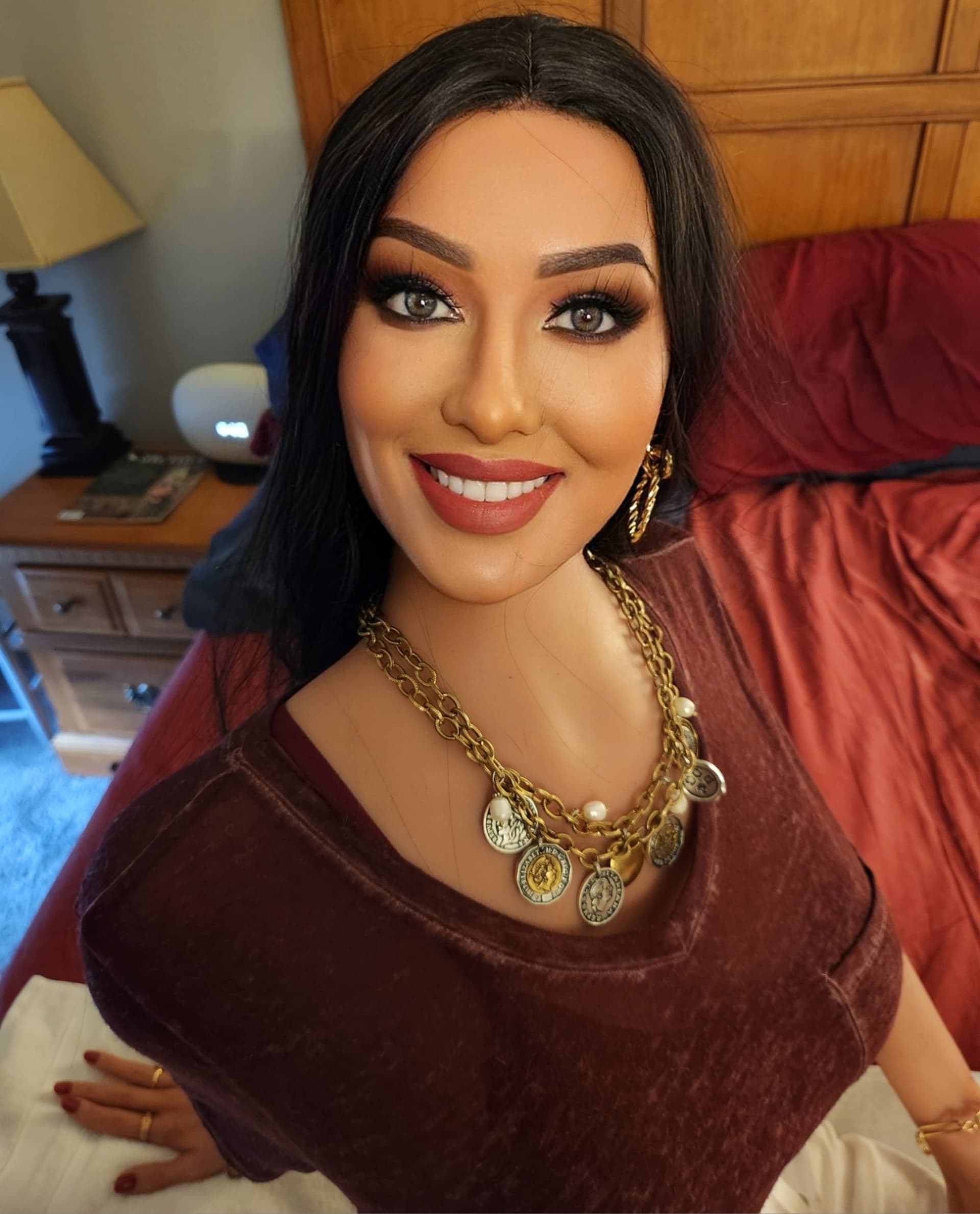
Anyway, now it’s time to give her a little personality. You could do that in FaceApp and I often do, and the “smiles” filter definitely will give you a few good items. For example, here’s Amber with a “Classic” smile in FaceApp…
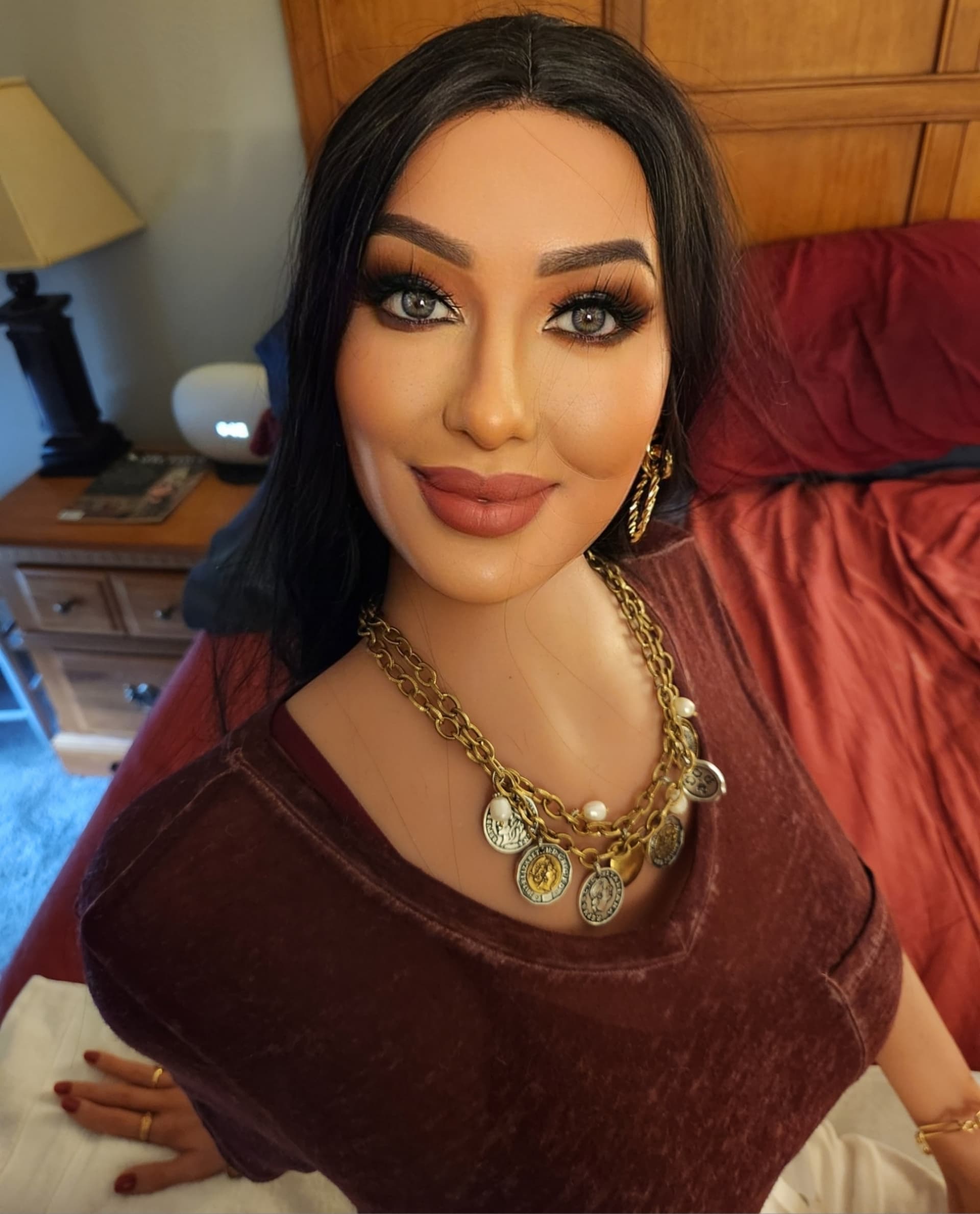
And here she is with a “Tight” smile…
Now with a “Closed” smile at level 2…
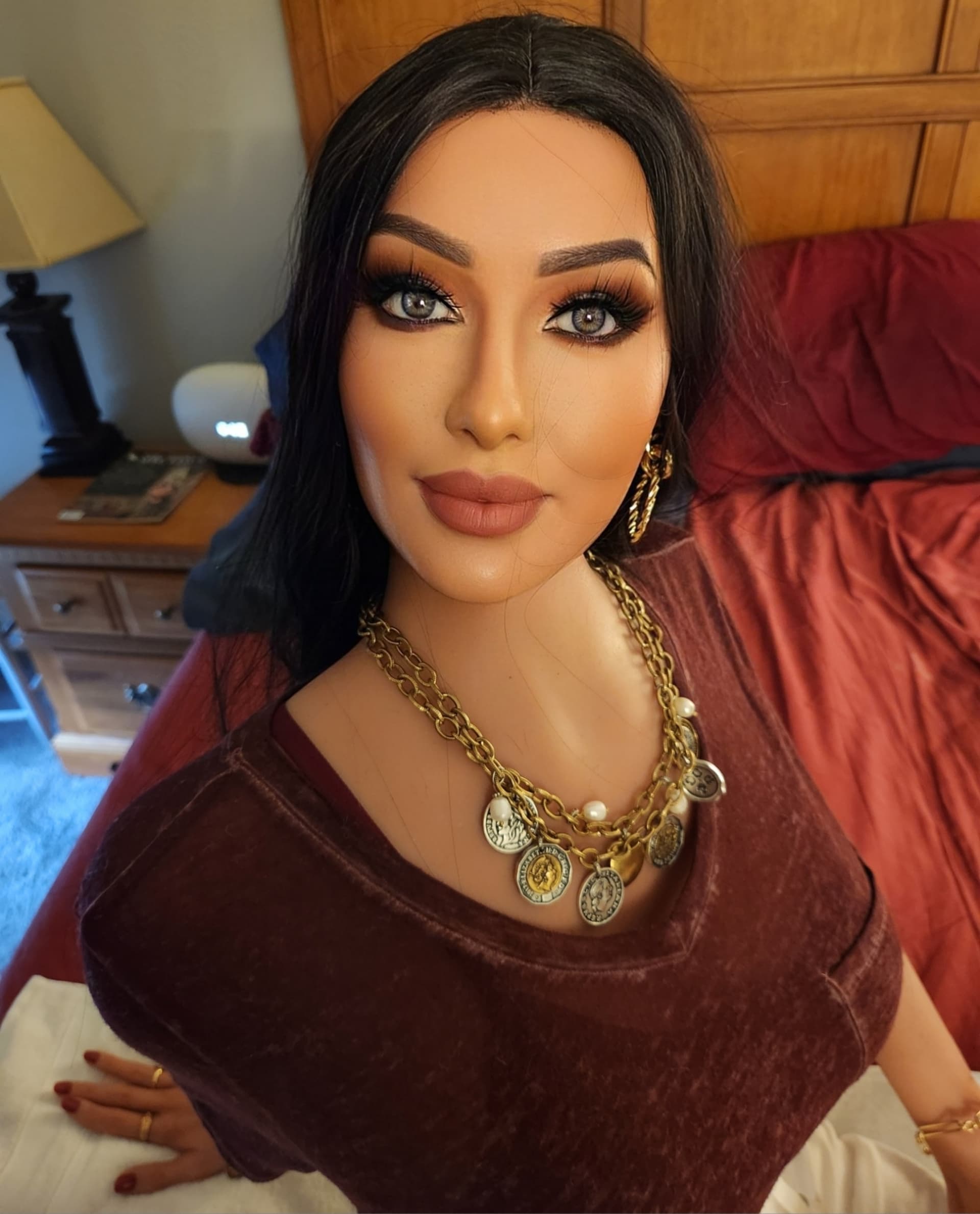
And a “Closed” smile at level 5…
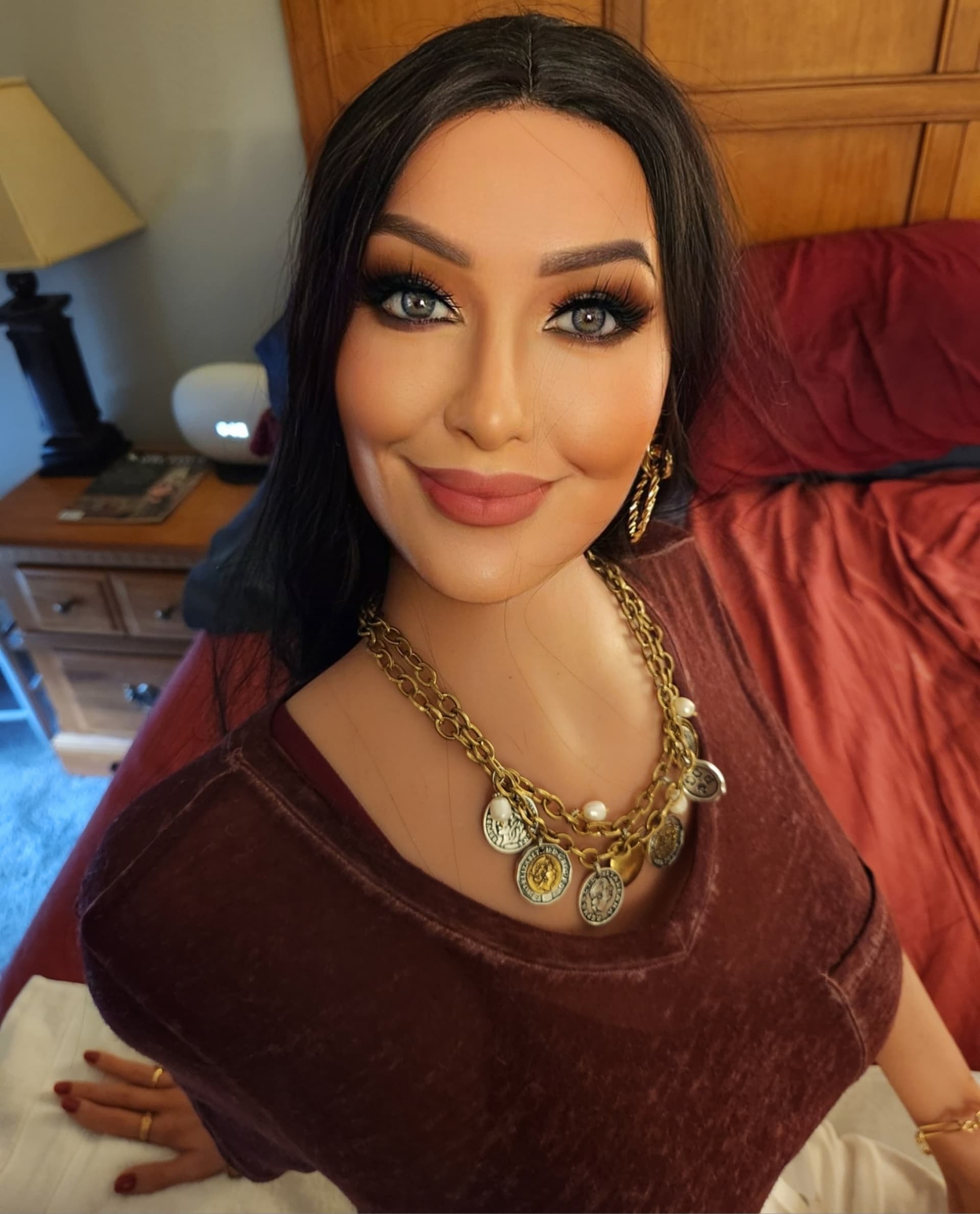
Here’s her with a “Wide” smile…
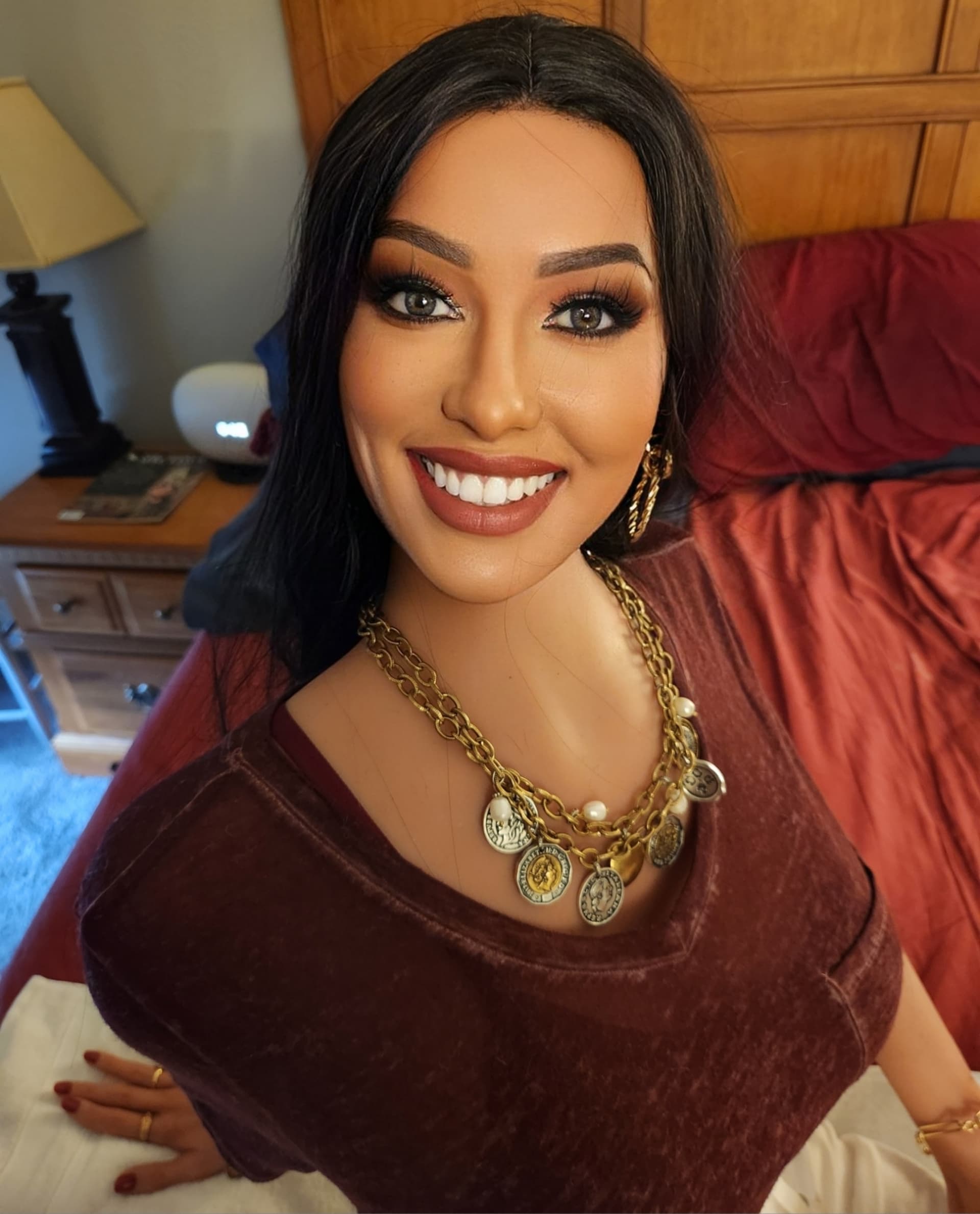
And here’s Amber as “Upset.”
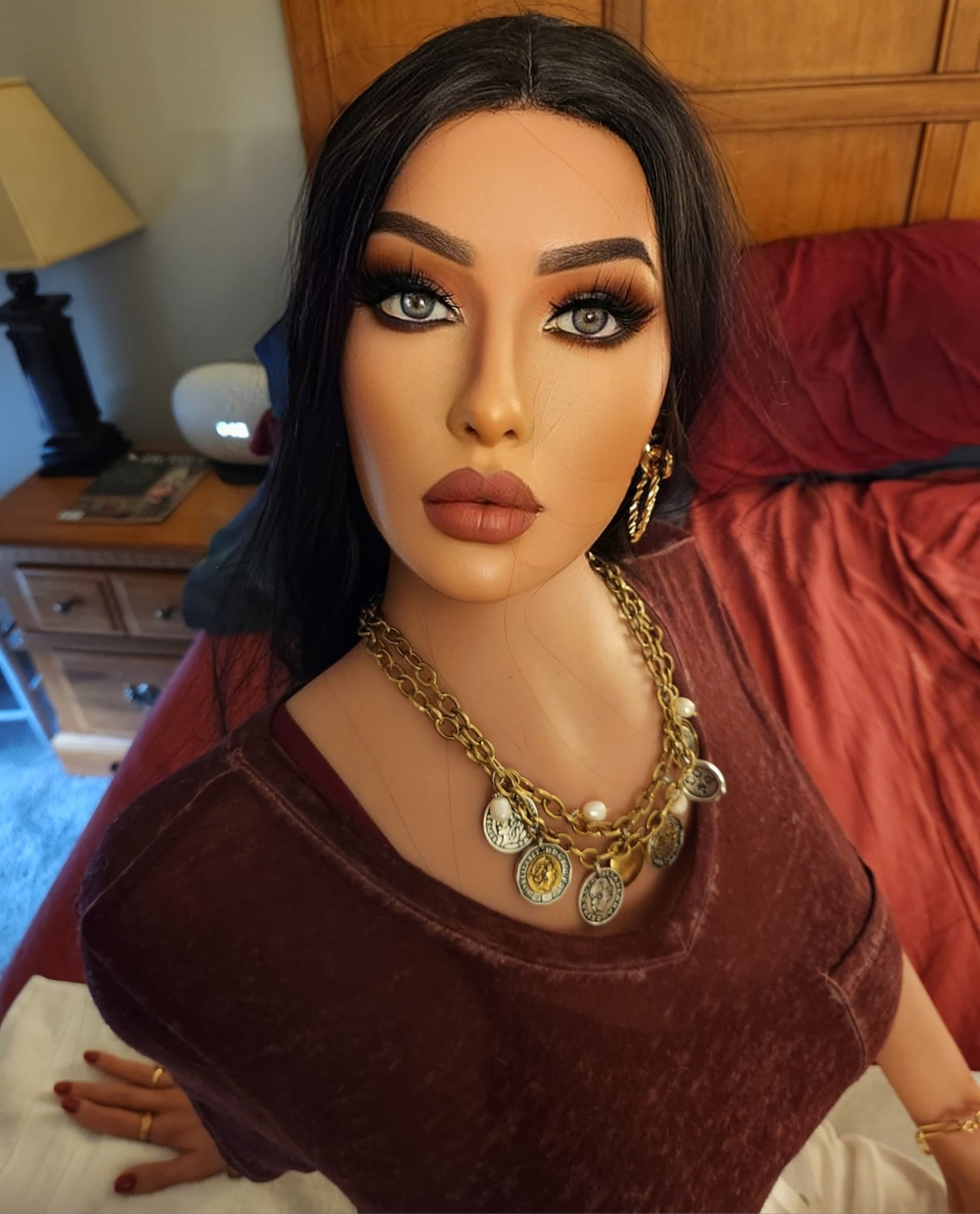
They’re good, obviously, but they aren’t quite the full range of expressions you need to tell a story. So I found an app called Revive. It’s a cheesy thing where you upload a pic of a face and it’ll turn it into an AI video of that face singing a song or doing a movie line or something. For example, here’s Amber doing the “I never explain anything” line from Mary Poppins…
[sadly, I can’t upload an MP4 to LDN so we’ll just use this link]
So now you can really see some personality here.
But we’re using still photos and not video, so we need to create some still shots from that clip.
This you can do in Photoshop, and sometimes I will do that, but to save time I found another app called Grab Photos From Videos by a developer called GreenBizKit. You can find it on the Play Store; it’s free. You can bring your video into this app and you can set it to burn a still image at various time intervals - every two seconds, every second, twice a second, five times a second, whatever.
So the Mary Poppins clip is five seconds long, and we’ll set the interval at one second, and that gives us five stills…
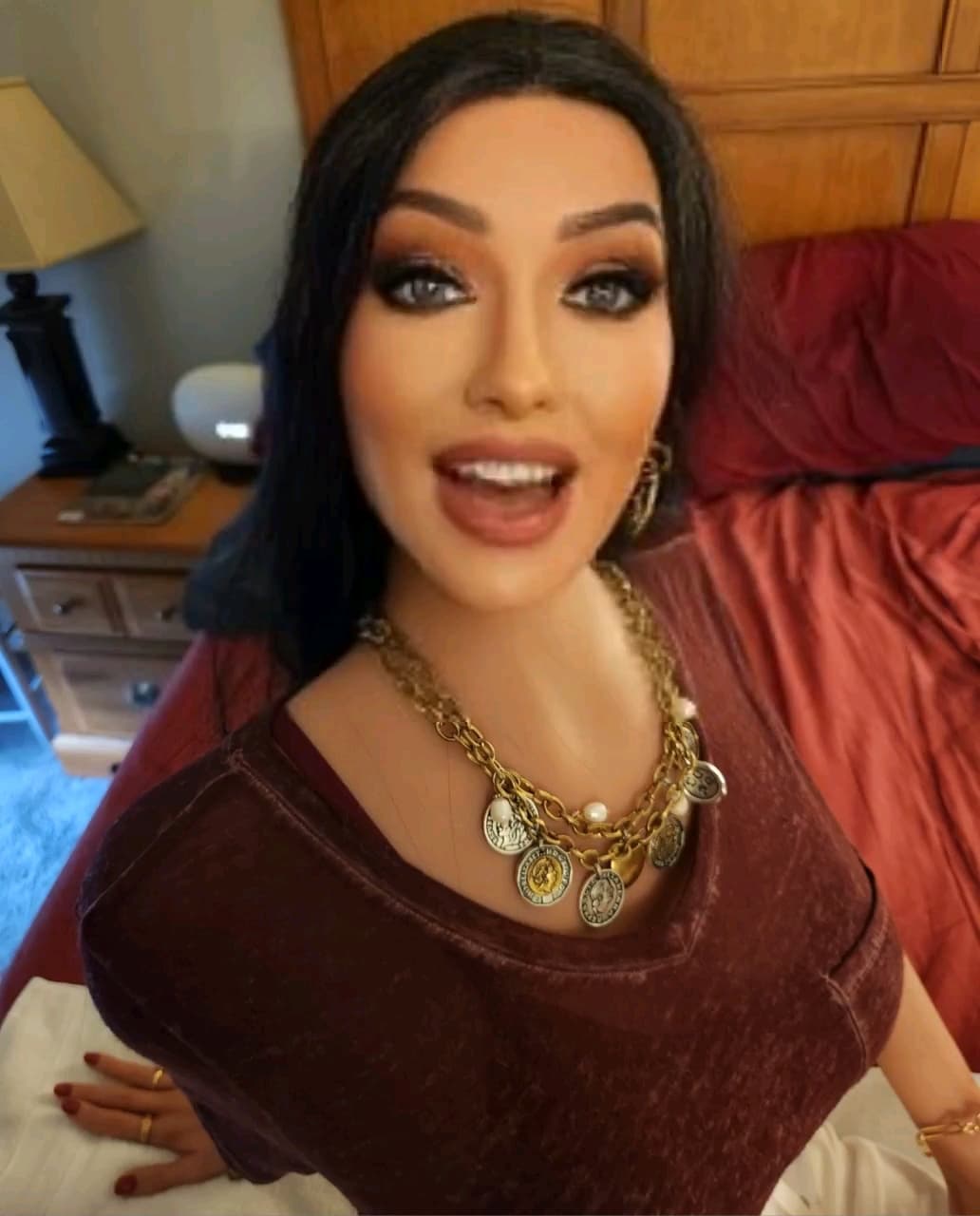
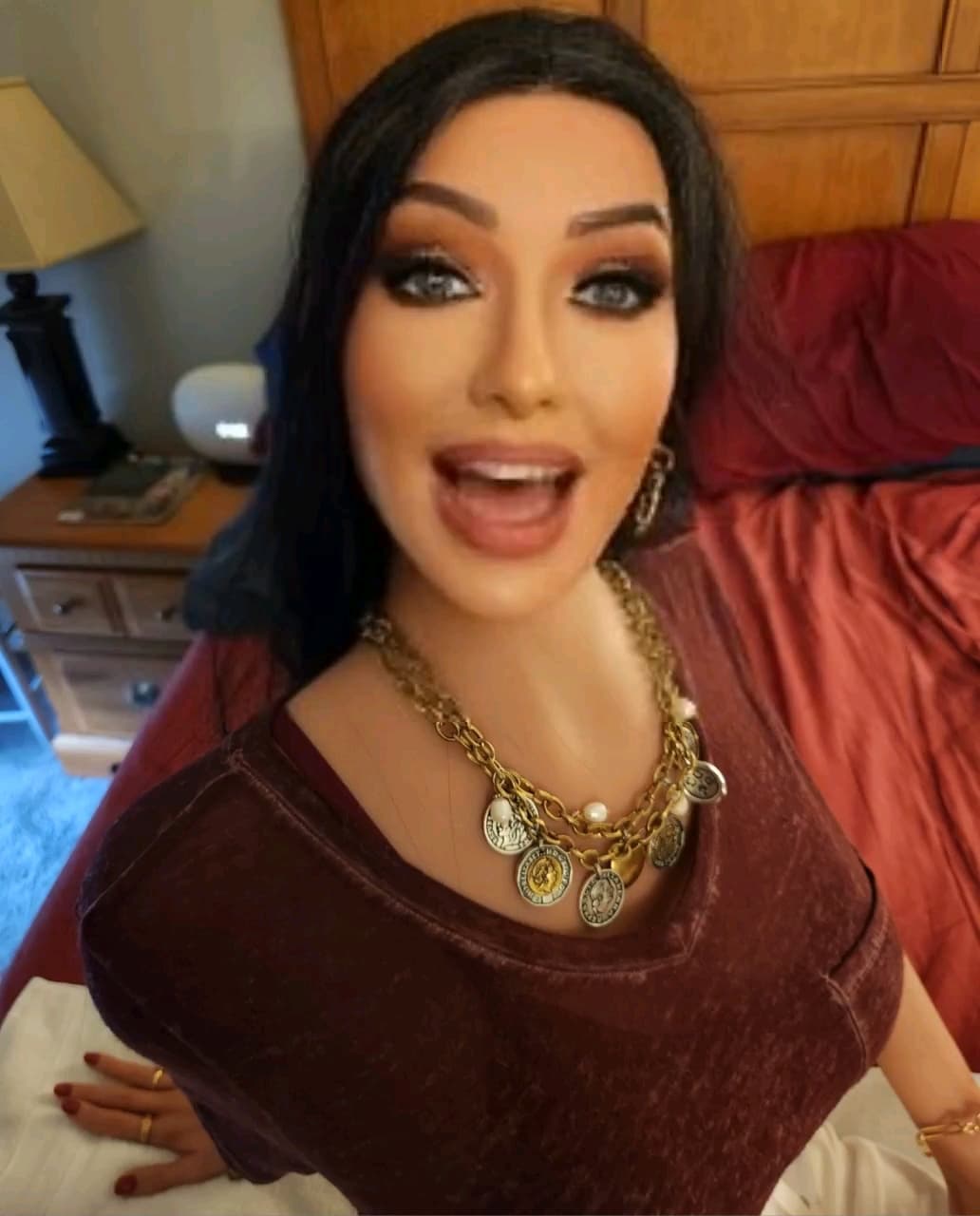
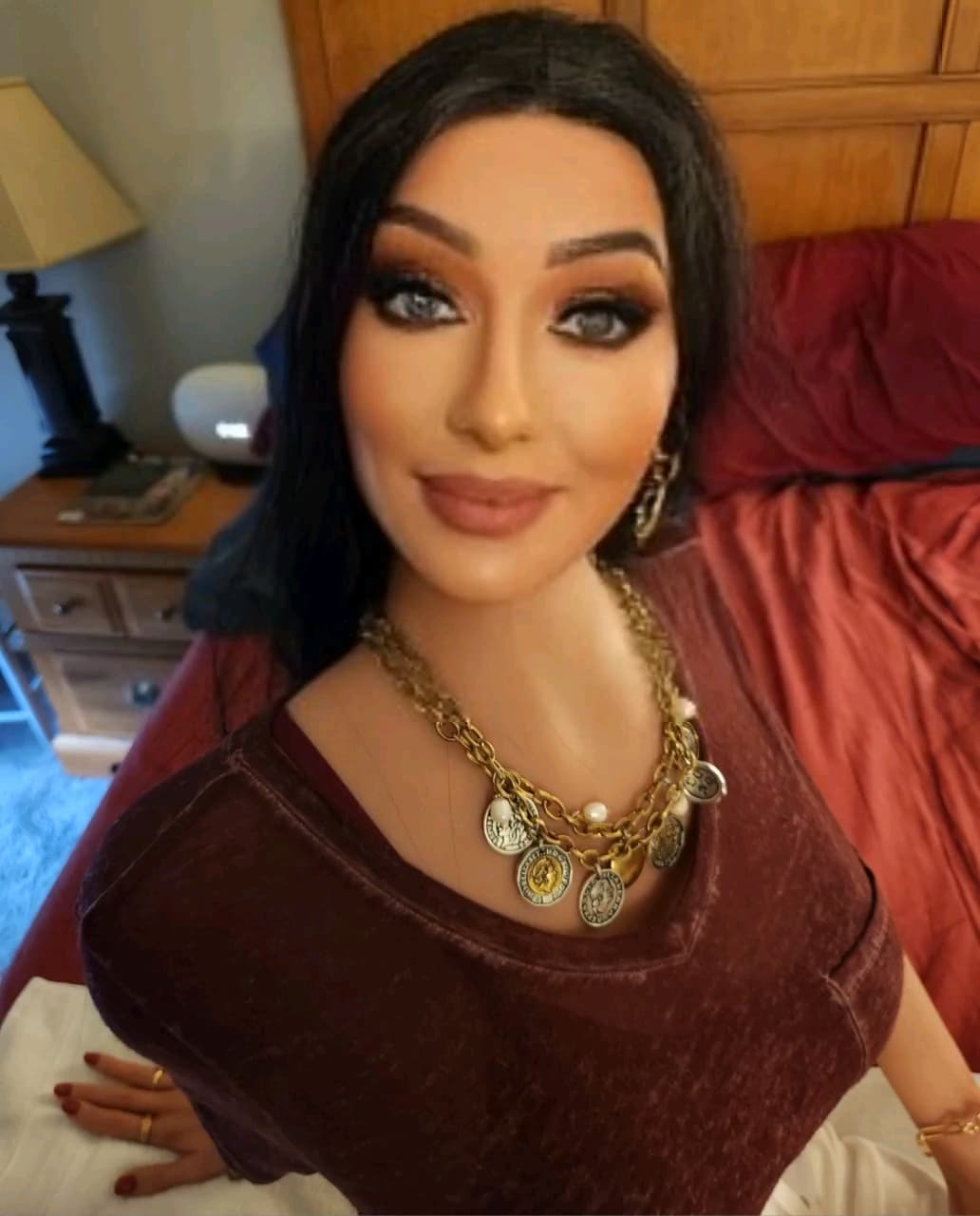
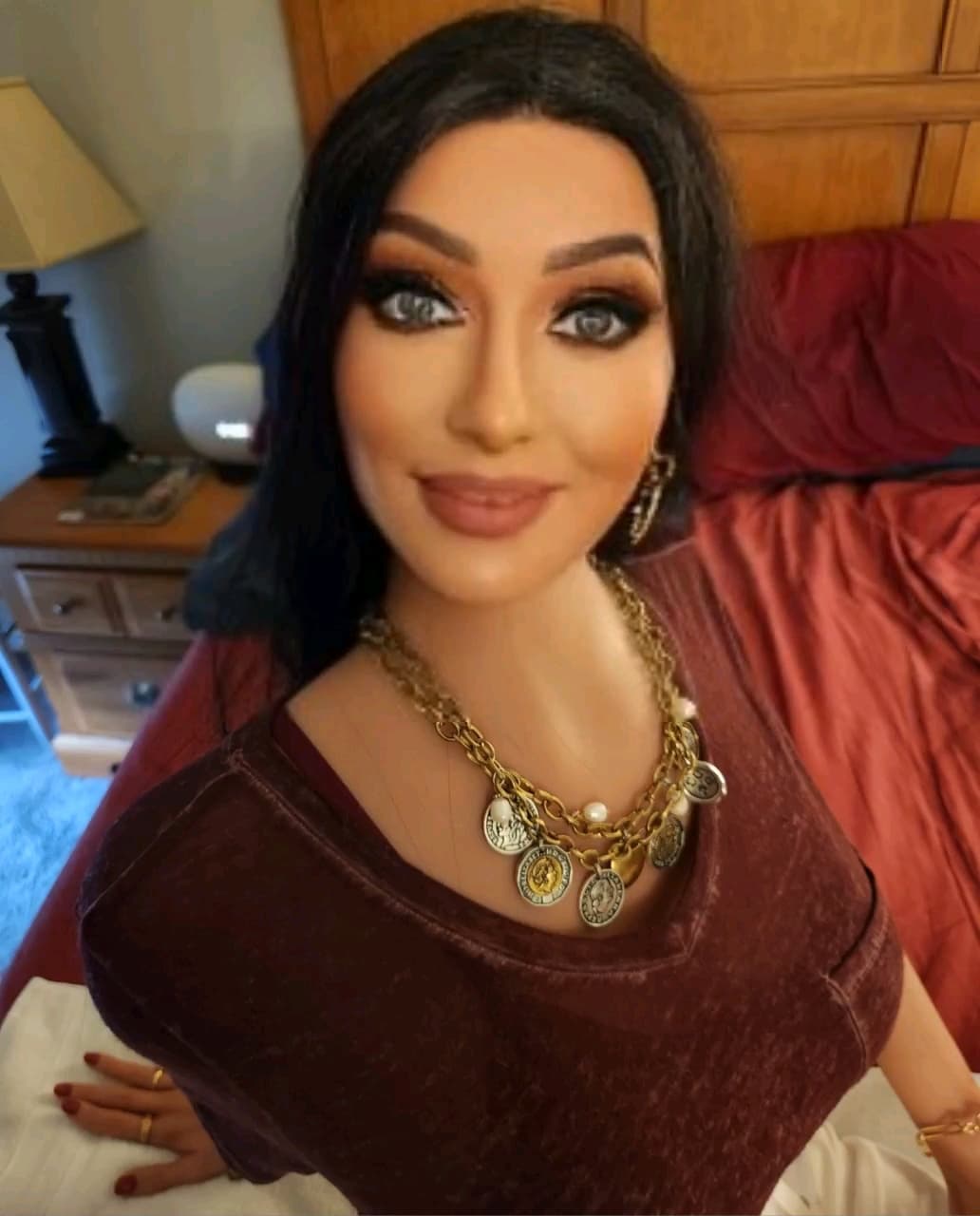
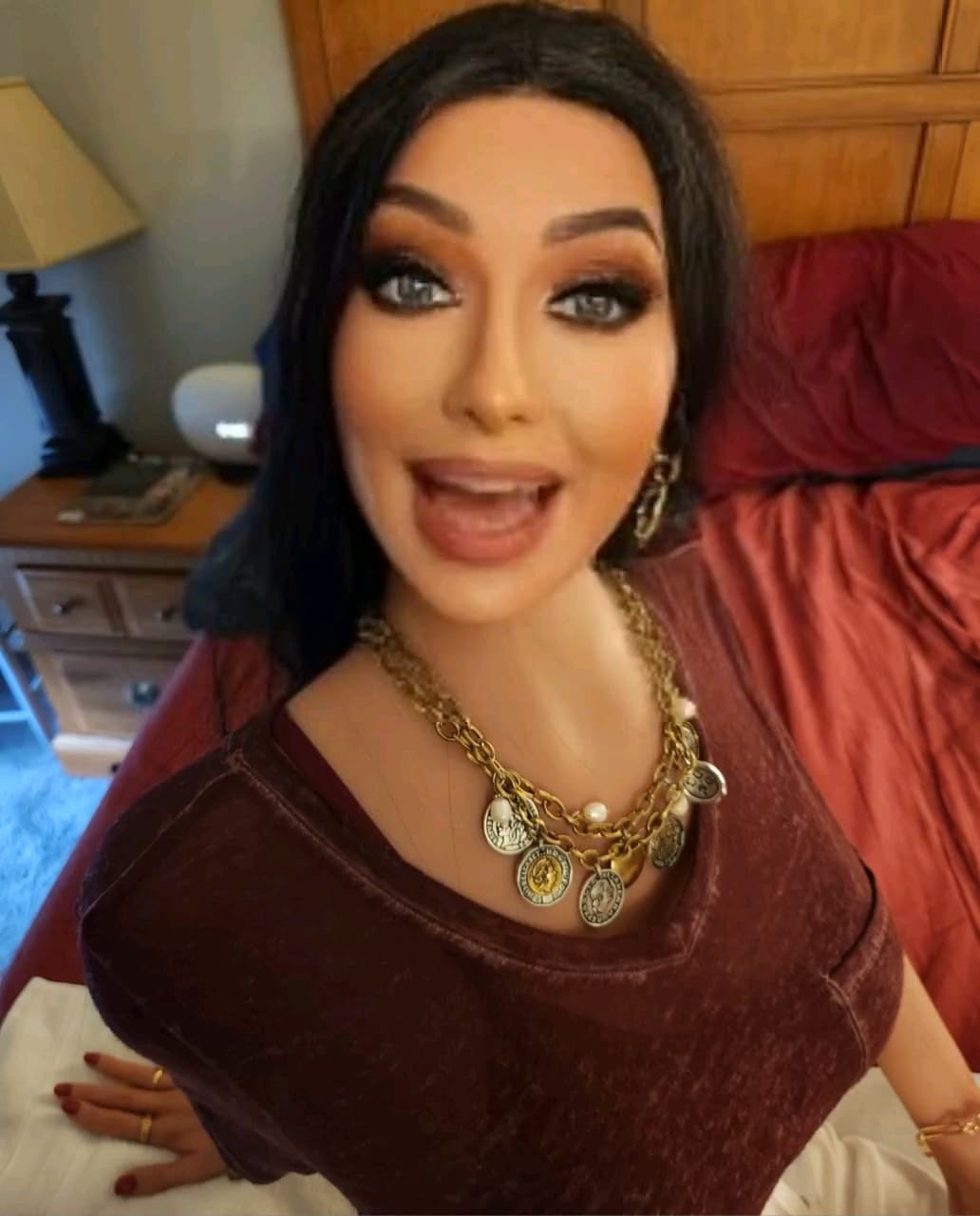
Normally what I’d do is set it to something like twice per second or even five times per second, because that gets you a wider variety of expressions and you can just delete the ones that duplicate. In Photoshop, you can manually move a slider and grab stills from precisely where you want them, and that will get you the best possible range of shots. But I’m just showing you one way to do this.
Now, if you’ll notice these pics, they’re not quite ready for prime time. Too blurry! I have a couple of ways to deal with that, though. One is an app I have on my computer called Topaz Sharpen AI, and it’s pretty effective. We’ll just wash that first image from Revive through Sharpen AI’s Standard mode…
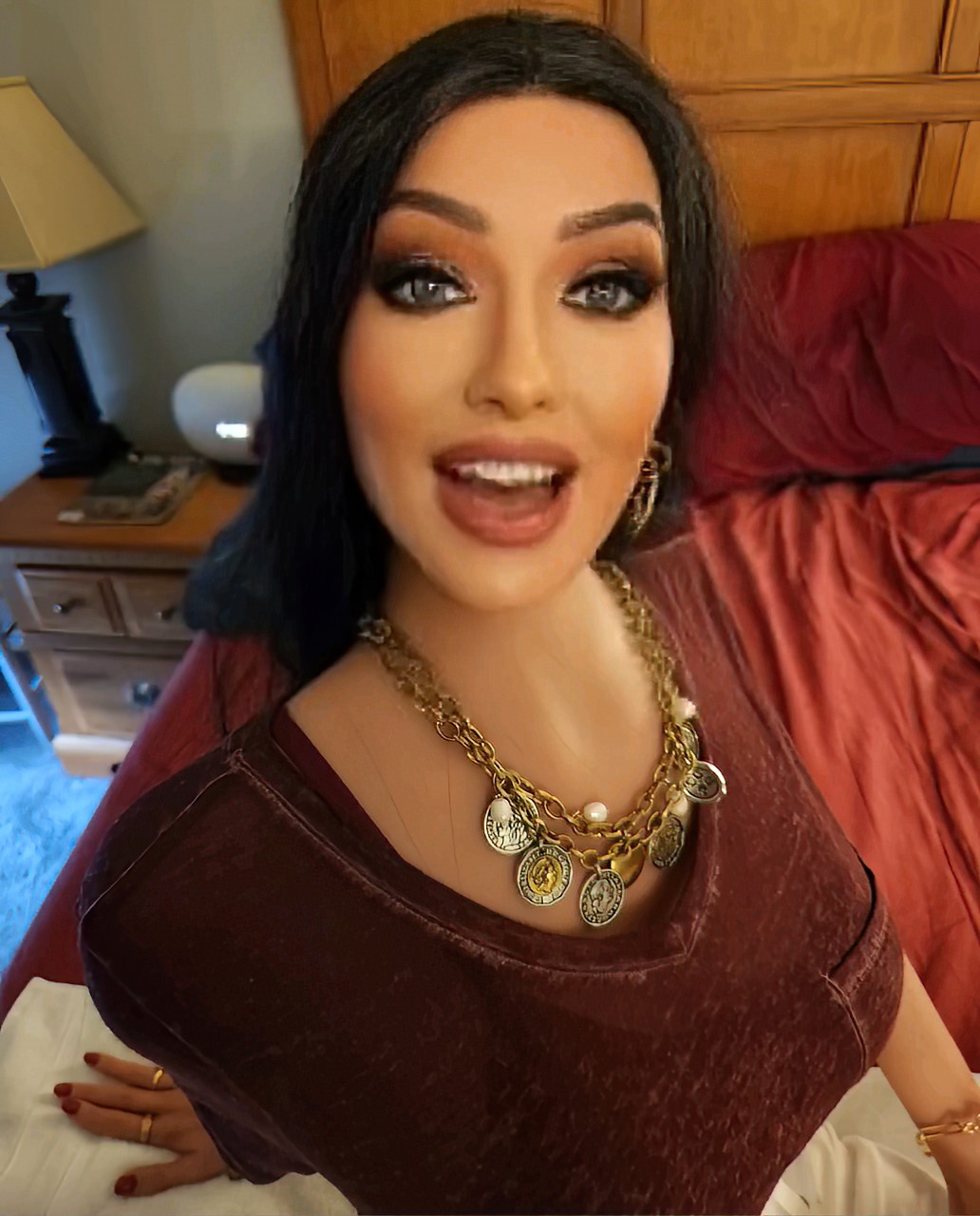
It’s OK, but it’s not great. So instead I’ve got an app on my phone called PixelUp, which is the best AI image sharpener I’ve ever seen. Here’s what it does with that image…
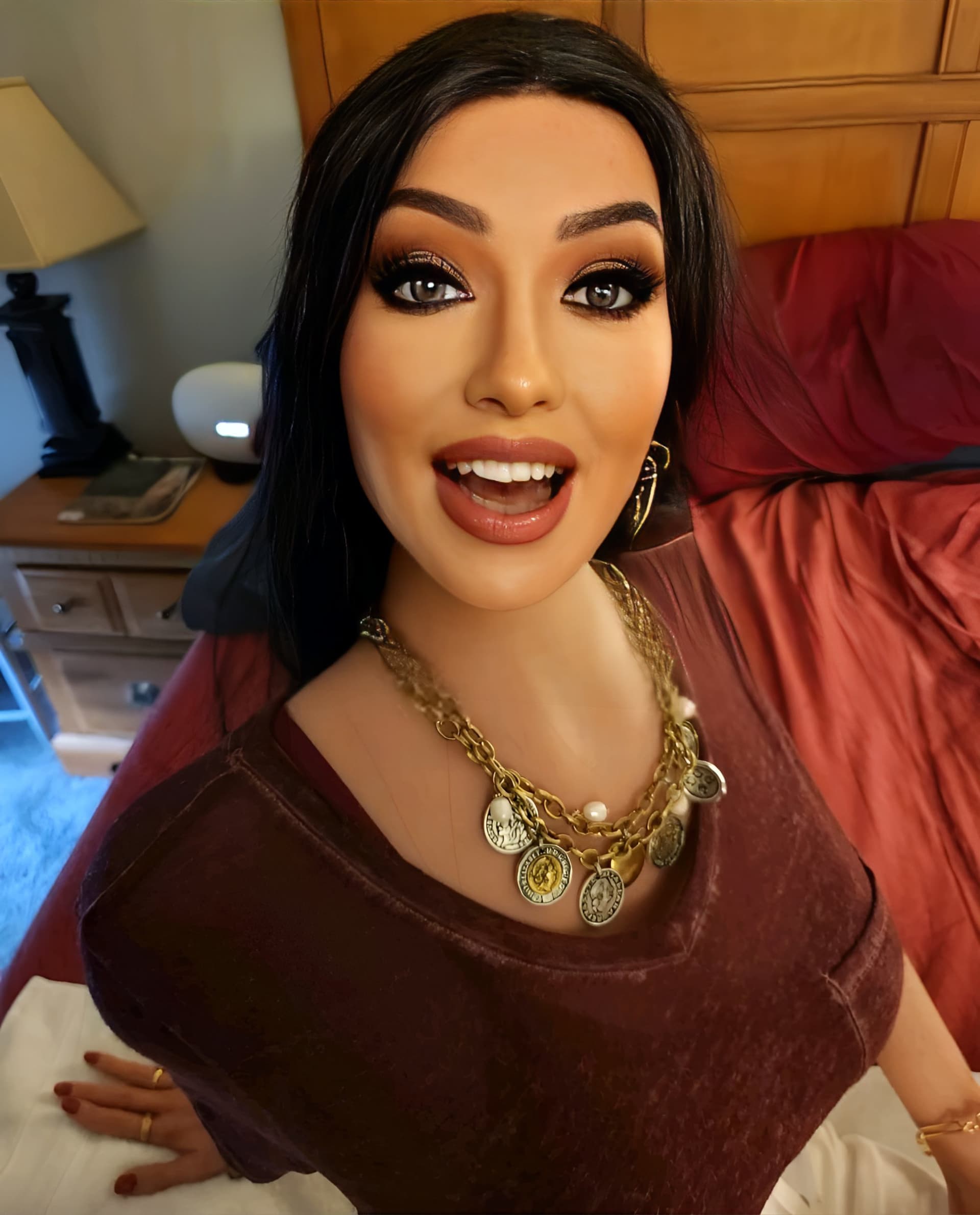
Anyway, that’s how I do it. It’s almost like a jigsaw puzzle - you write a story and then you’re just trying to plug in pictures as pieces that fit. Sometimes the results are OK. Other times they’re magic. Either way it’s a fun project to work on.
5 Likes
Dude this is the shit, I’m gonna use this app a proper amount from now on for sure!
When you get it down pat, it will generate some serious results for you.
Especially once you start recognizing which of those Revive clips can generate which expressions (this one for angry, this one for sad, this one for funny faces, etc).
Also PixelUp plays an important part here as you mentioned! Great combo, the results are impressive OscarD, hats off
The complaint I have with PixelUp is that it doesn’t do batch processing, so it can get a little slow if you’ve got to have it enhance 10 pics one at a time.
So usually all of the full-body shots or things which aren’t a closeup of the face, where I can get away with it, I’ll run those through Sharpen AI. You can’t tell the distance from far away. But the close-up portrait shots? I’ll cull out the five or six I really like and I’ll put those through PixelUp.
1 Like
I see! Very good insight for everyone out there to take into account. Will experiment with it (with both apps), have no doubts about it.
Generous of you to share the secret!
No problem. I’d love it if everybody started making their dolls into story models. These doll sites would end up being the most fun places on the whole internet!
1 Like
I agree with the stories part! So far this forum is proving to be way more organic and quick at developing stuff than others, thus making it a more efficient outlet for creativity - but looking forward to soon get new blood in, newbies we can help around, before this becomes just a reunion club!
I like stories or dynamics that organically flow, like that whole doll ID thing that I have going:
I like it when people boost their doll’s personalities in creative ways (after all, they can be quite static once unboxed).
I never expected that these things would be a creative outlet. I got my first doll for the purpose you’d expect. And while that’s OK, what struck me was how she brightened up the scenery in my office.
You start imagining scenarios. What if she was real? And before you know it there’s an actual story there waiting to get out.
Once you give in to that, you have something worth sharing. I don’t know where I’m going with Amber’s stories, but it feels like there’s something fun to be had with them.
2 Likes