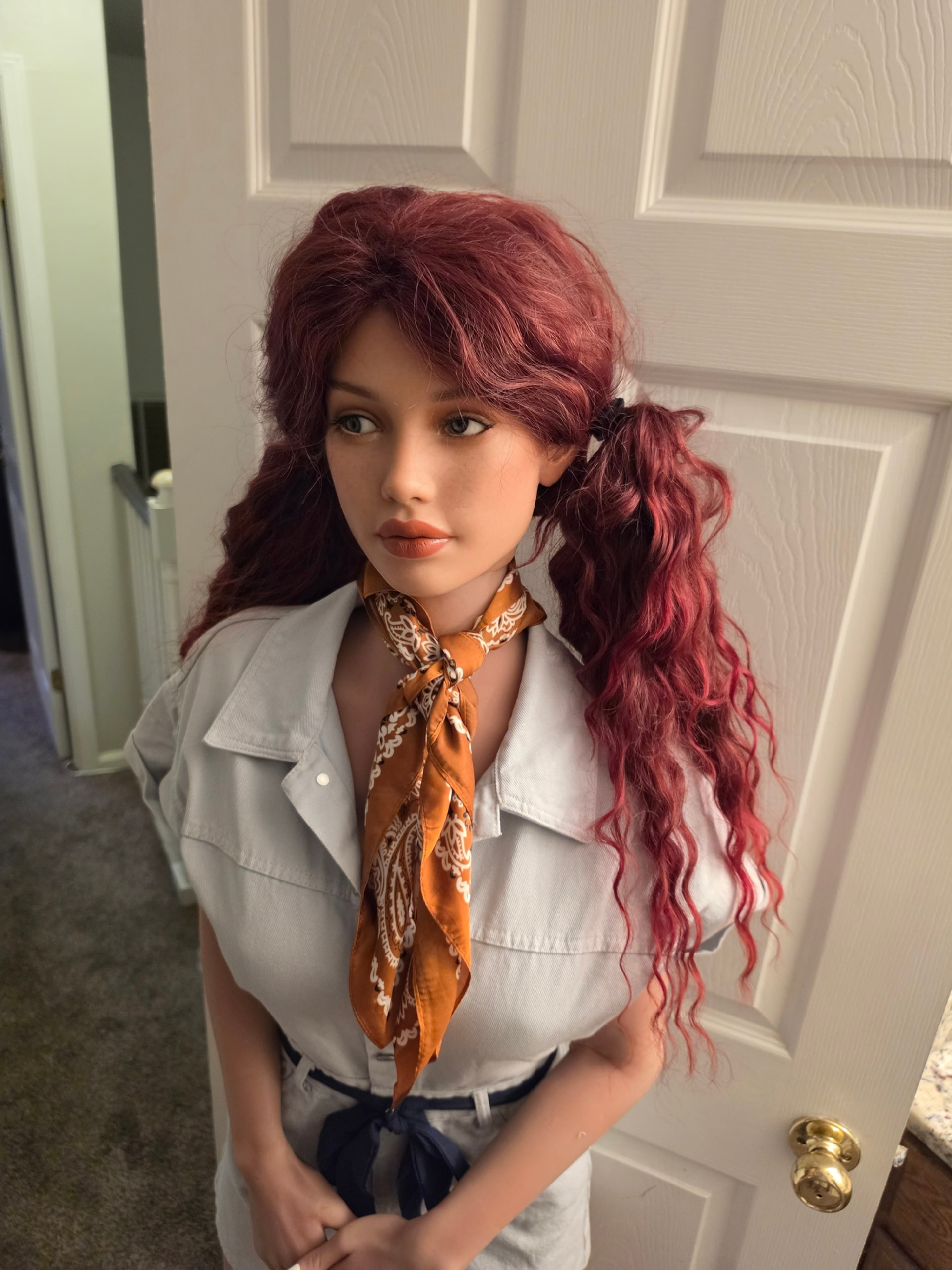
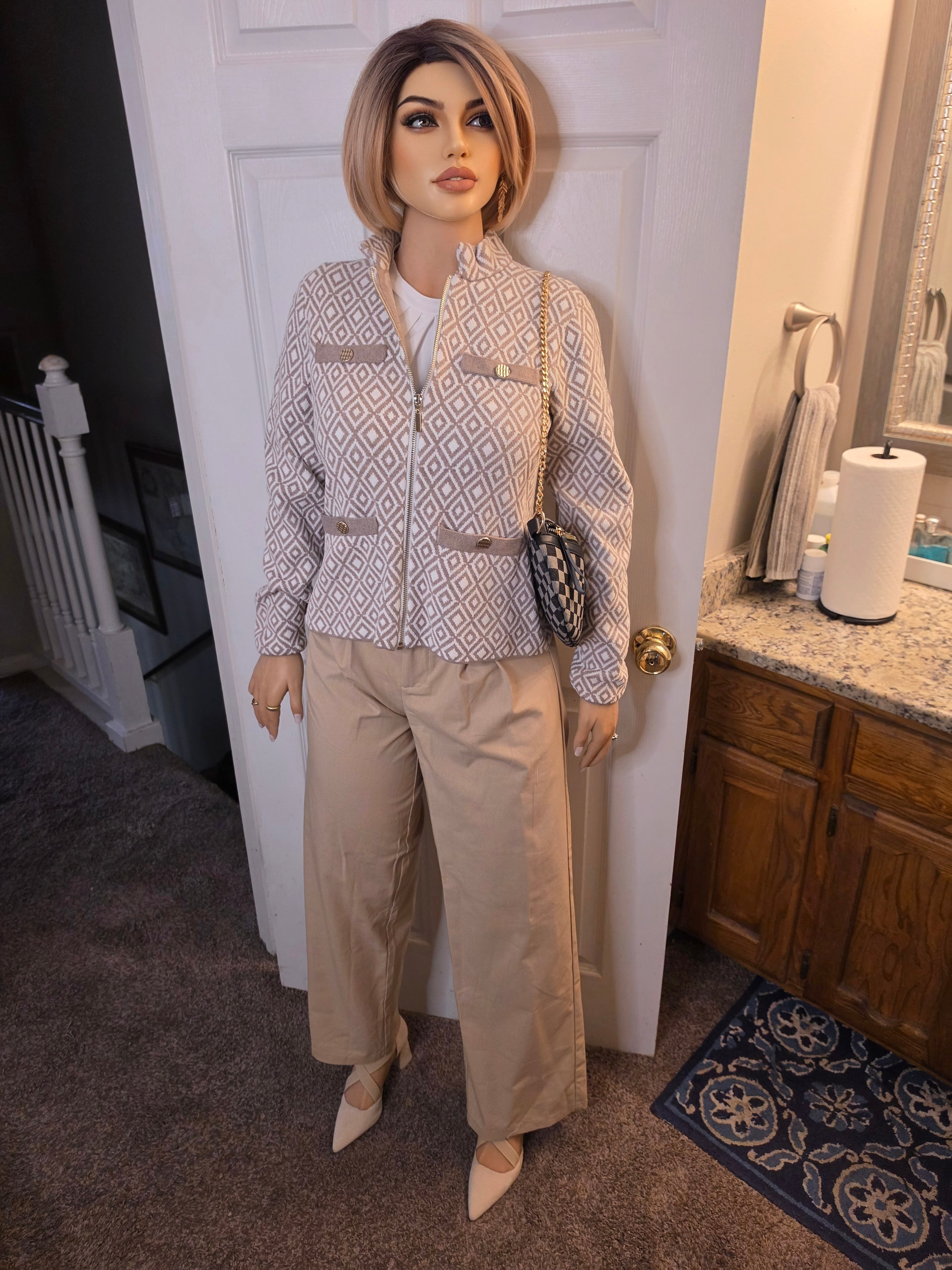
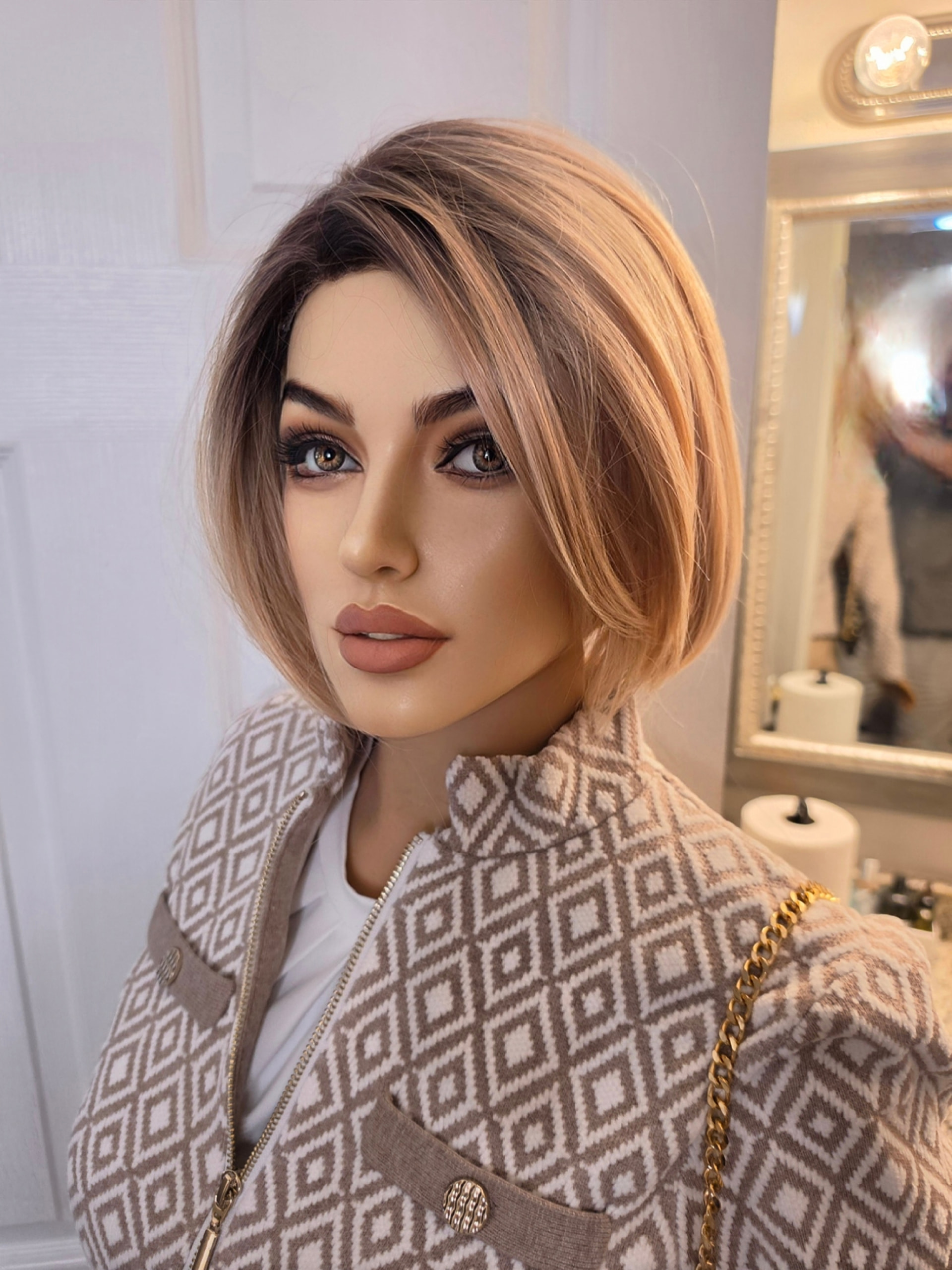
And here’s a couple of raw shots of Ashley, from another set of pics we’ll use in Season 3…
6 Likes
And here’s what those still shots did when I ran them through the apps…
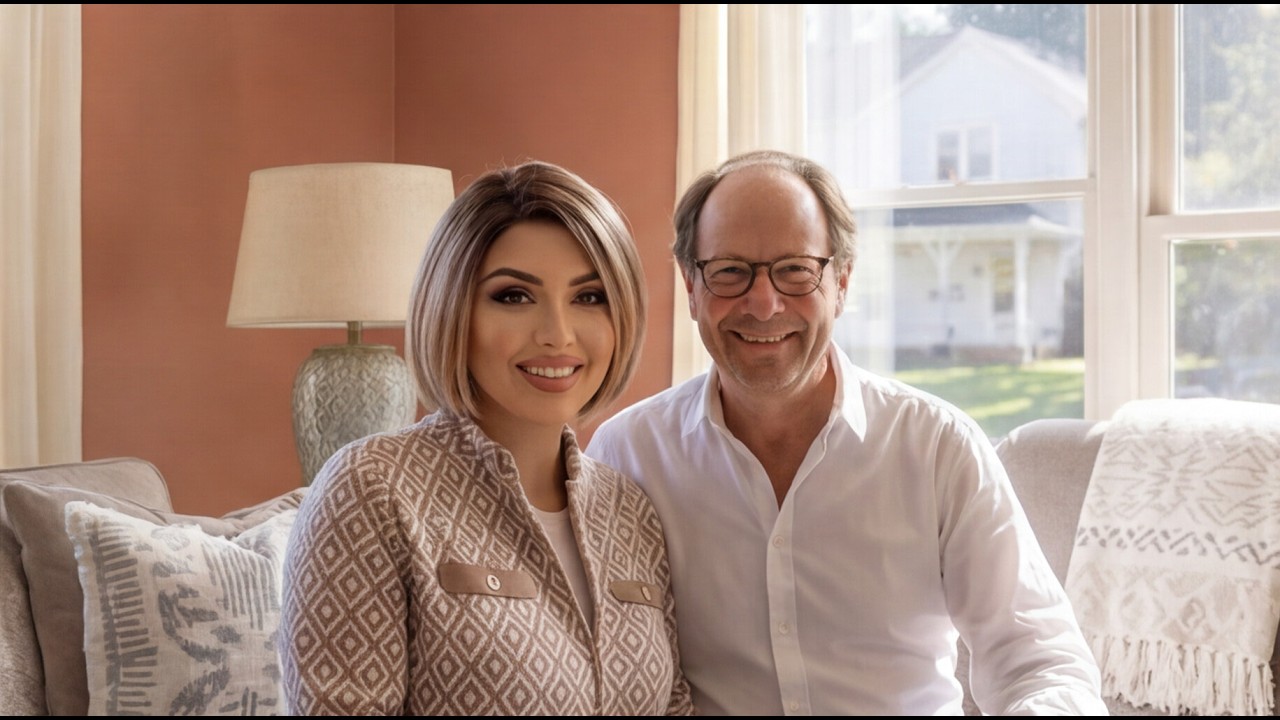
I’ve got pages for all the characters in the story. This one is Ashley and Ted’s.
6 Likes
4 Likes
A little something new…
2 Likes
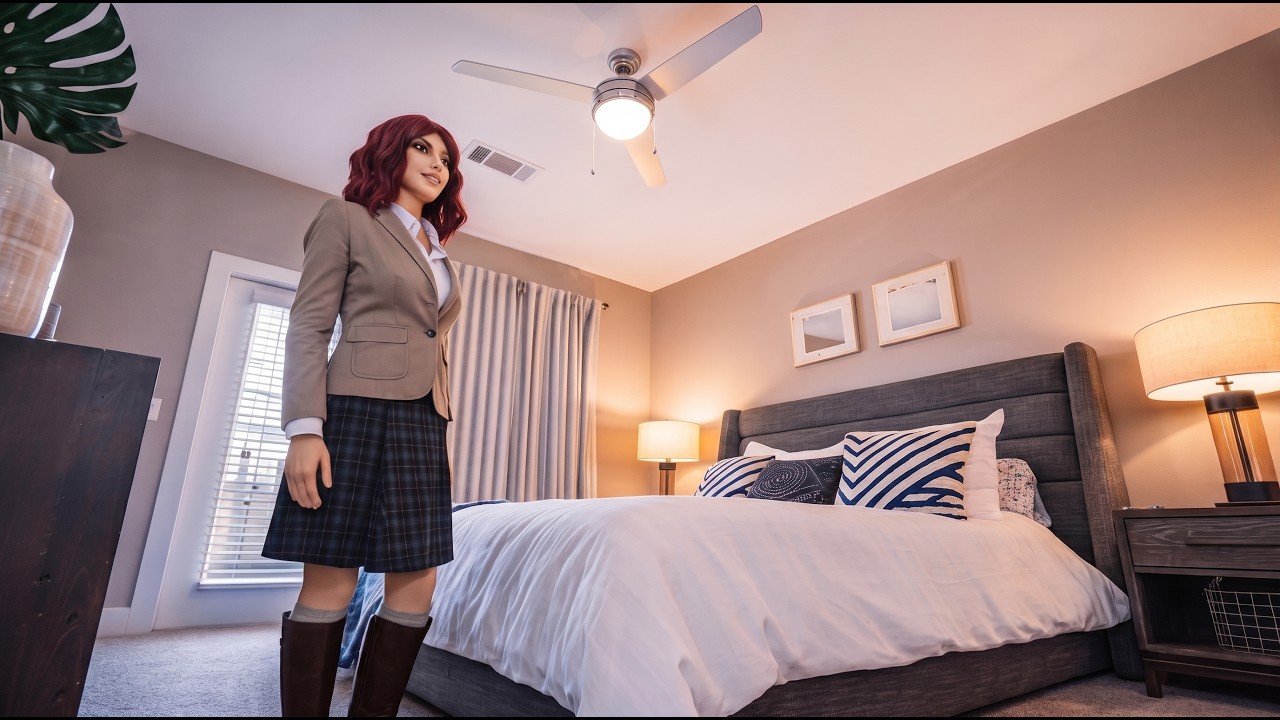
And now Michelle…
4 Likes
Wow, Oscar, Ì just visited, the The Chronicles of Oscar and Amber, Ì did not know that AI could do that with a still image, and be able to put that still image ìnto another background,  now do the images have to be high quality? because Ì use an old cell, and do the program cost a lot? that photo you have done looks great
3 Likes
If you can generate an image that’s 1000 pixels wide by 1333 pixels tall, or vice versa, you can work with these apps.
If not, you can upscale your pic. But sometimes the upscale will give you things like facial drift. So the camera on my phone (it’sa Samsung Galaxy S26) shoots 3000x4000, and that’s more than enough photo quality for me to do everything I need.
For compositing, I suggest using either Grok Imagine or Google Nano Banana Pro. Grok Imagine tends to do better with settings and backgrounds that are realistic, whereas Nano Banana Pro really crushes good, solid, realistic composites where the lighting and shadows and camera angles really match up.
3 Likes
thank you for all of the great information 
3 Likes
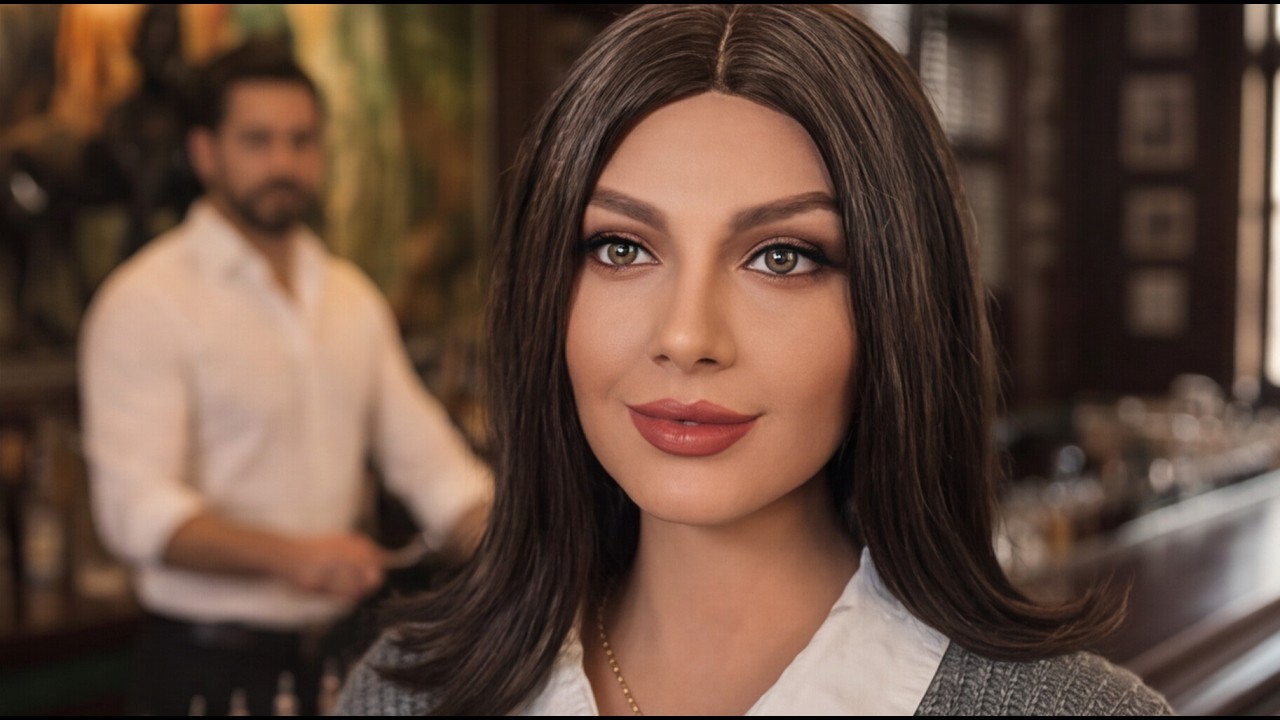
What you do is find a setting/background you like, or you can spin one up in Grok Imagine or Midjourney or Nano Banana or whichever one you want to use, and upload that setting along with your doll pic, and then prompt the image generator with something like “Place the woman in image 2 into the scene in image 1,” and it will generally do a solid job of compositing it for you. You can add things to the prompt like a preferred facial expression, what kind of lighting and so forth to make the composition more realistic, but that’s a creative choice.
3 Likes
that ìs great Oscar, Ì did not know ìt can do that much
2 Likes
AI image and video apps have come an astonishingly long way in the past two years. There is really nothing you can’t do with them anymore. You’re limited by your own creativity and that’s it.
But I will say that as somebody who’s getting into AI filmmaking pretty heavily, our dolls are an absolute cheat code when it comes to generating base images that can hold consistency from shot to shot, clip to clip. Character consistency drives AI filmmakers absolutely up the wall, though it is getting a little better, and they don’t realize the answer is in silicone.
3 Likes
consistency, ởh Ơkay, Í think Í know what you mean now ìs that what was going on with that good video. Meet Harlan Voss, his face changed a few times
2 Likes
Exactly. He’s a purely AI character, so without having a “real” image to base him on it’s exceedingly difficult to keep out the drift. I do my best, but this is a problem even for the best AI filmmakers. You have to accept some level of inconsistency or else you’re just iterating and iterating forever, burning through credits in search of perfect images the AI won’t produce.
3 Likes
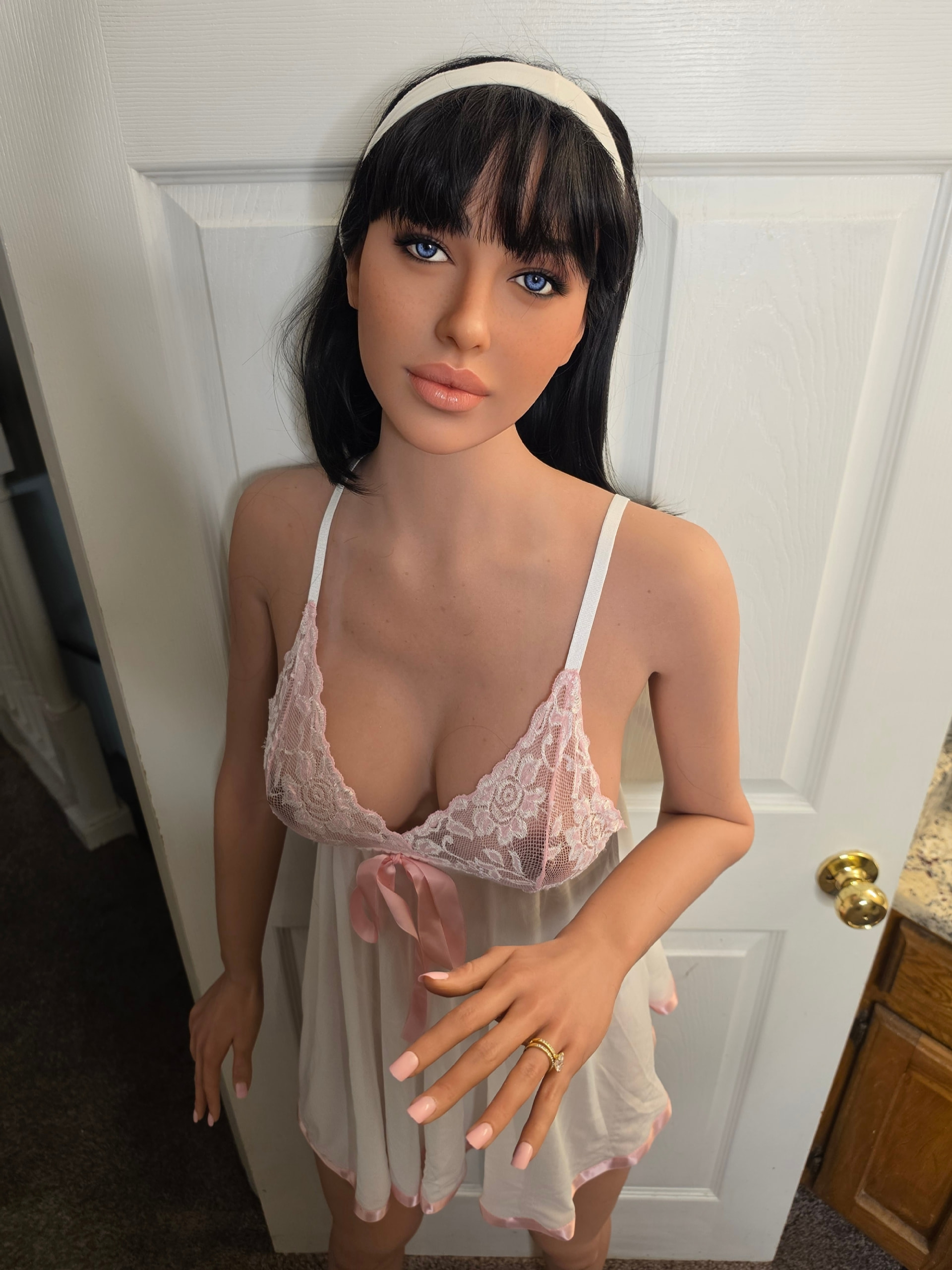
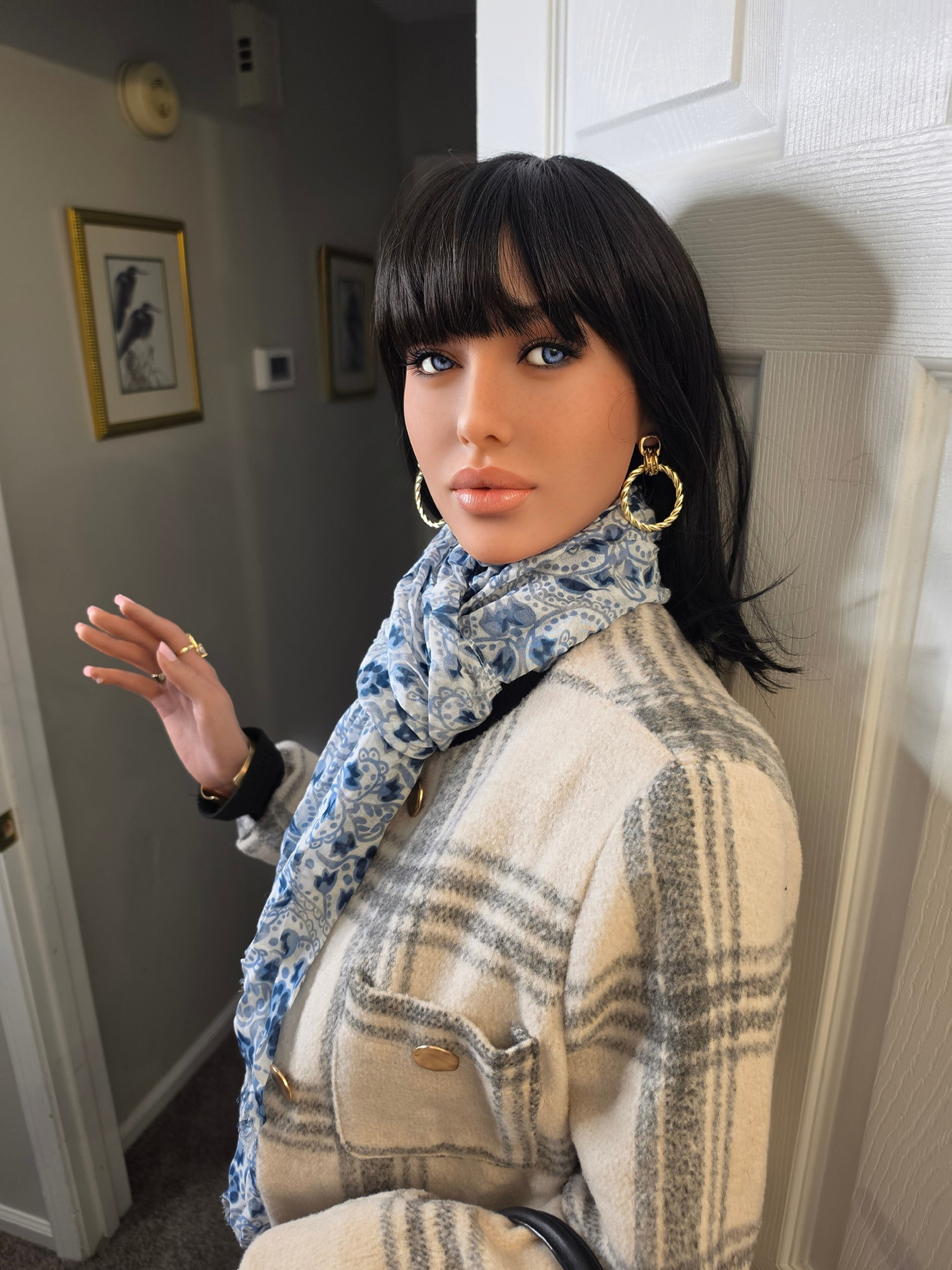
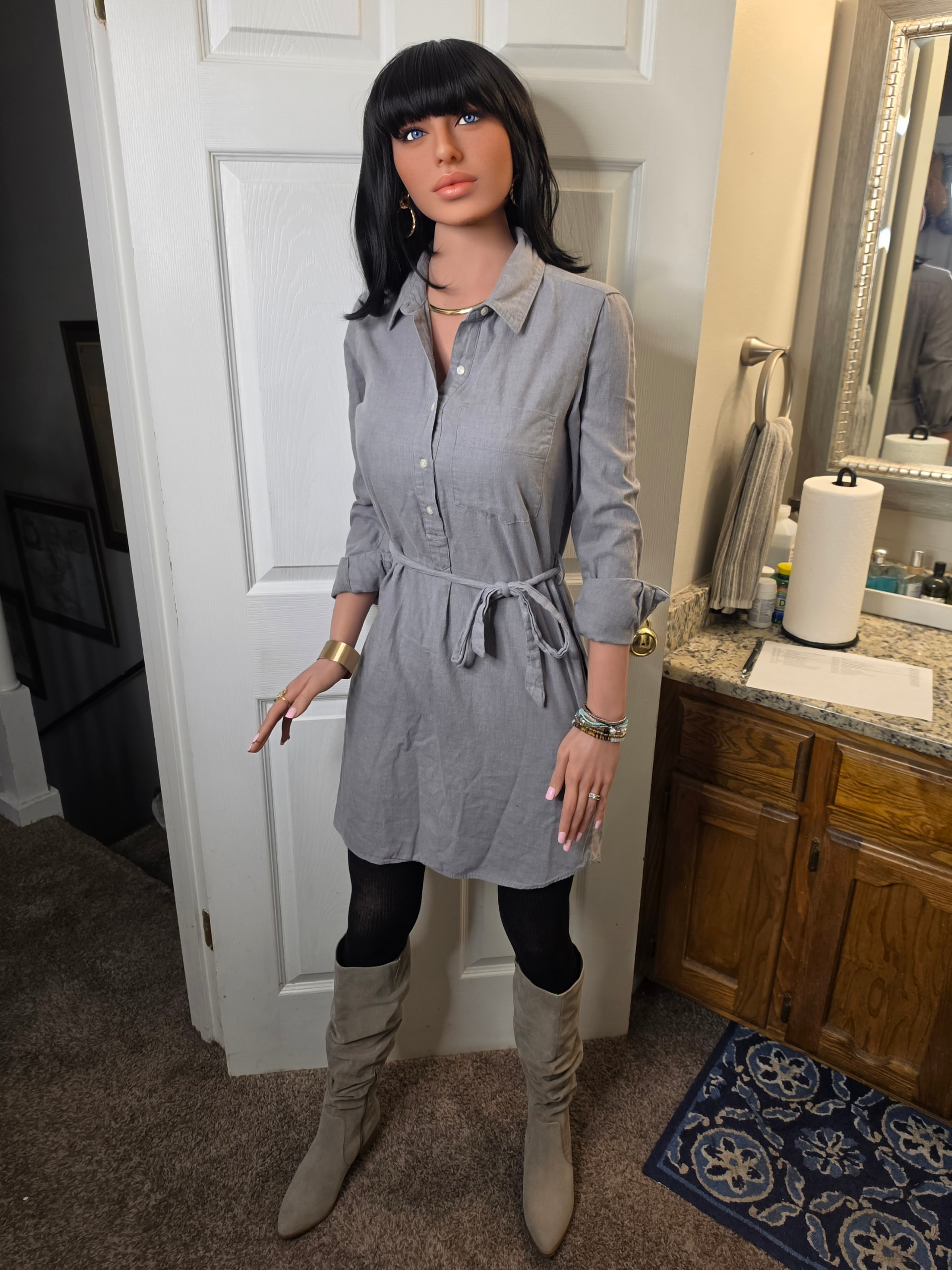
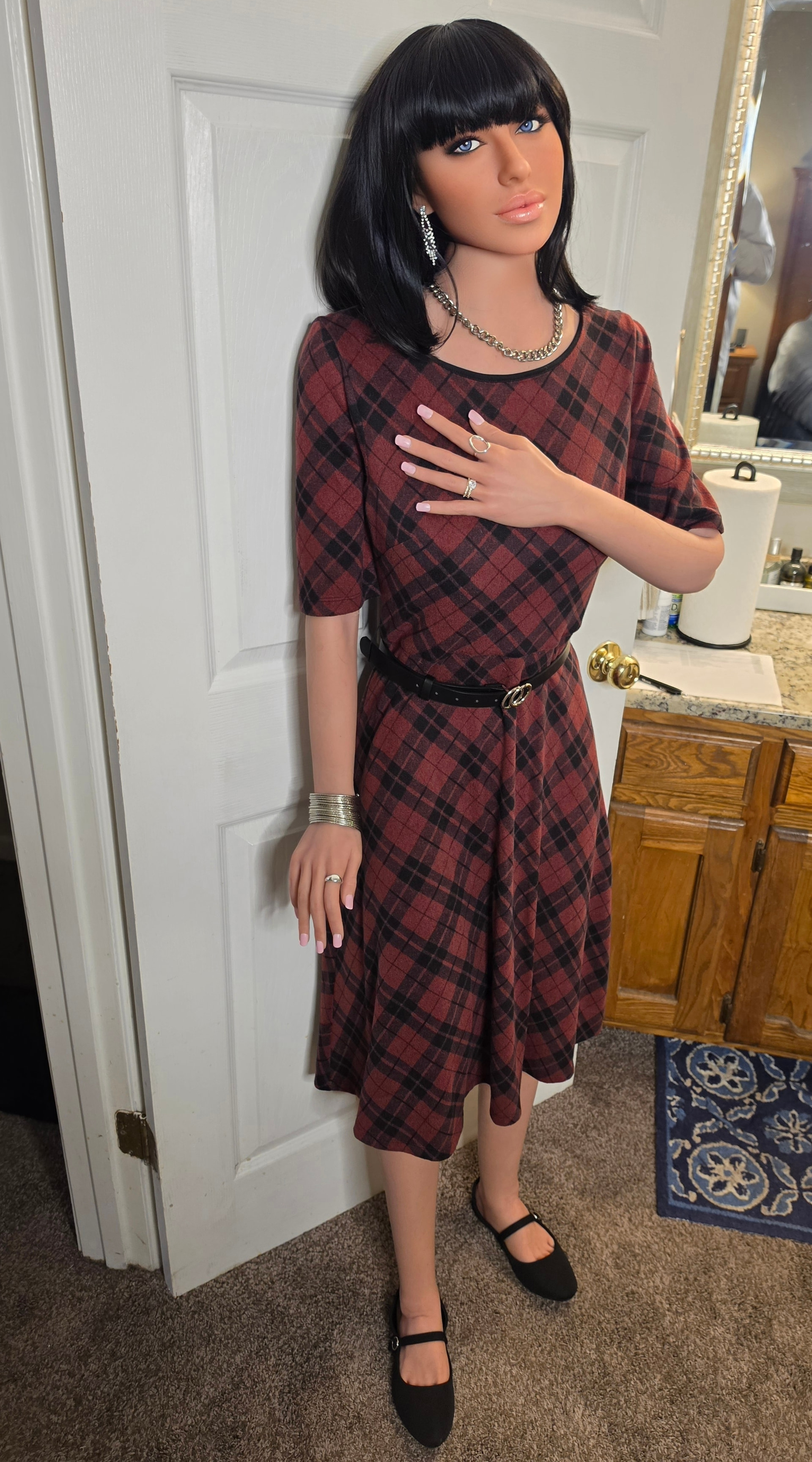
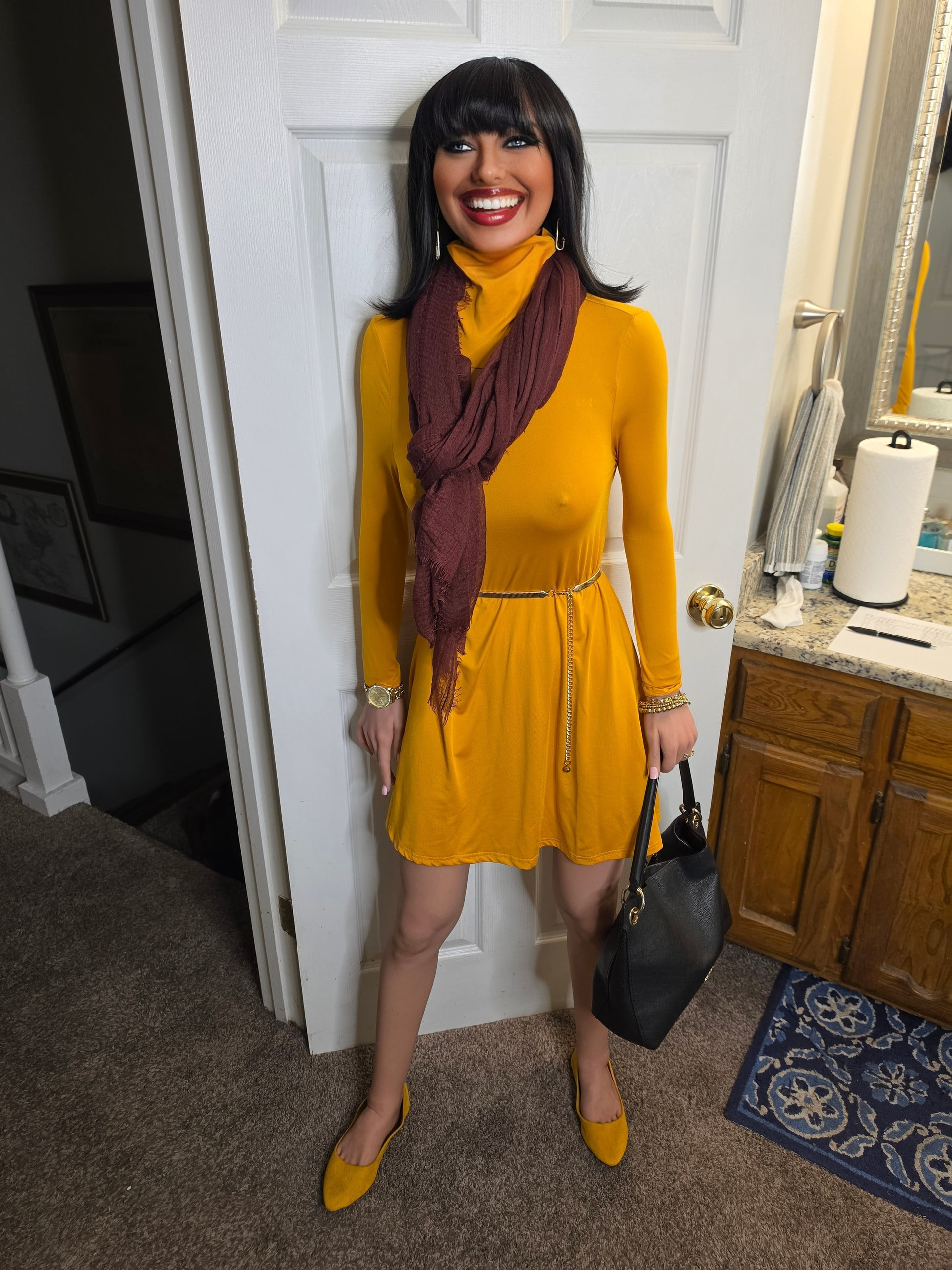
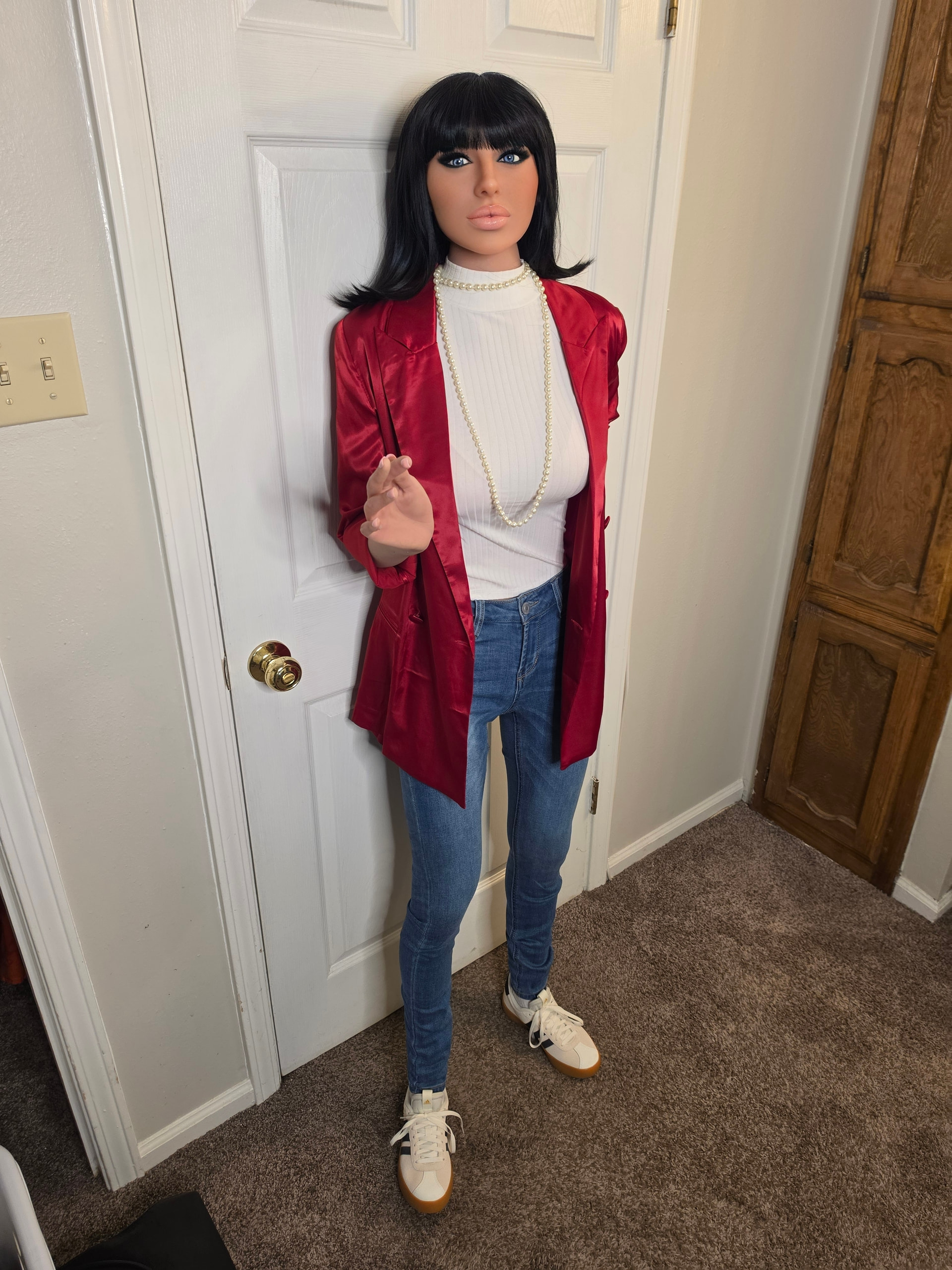
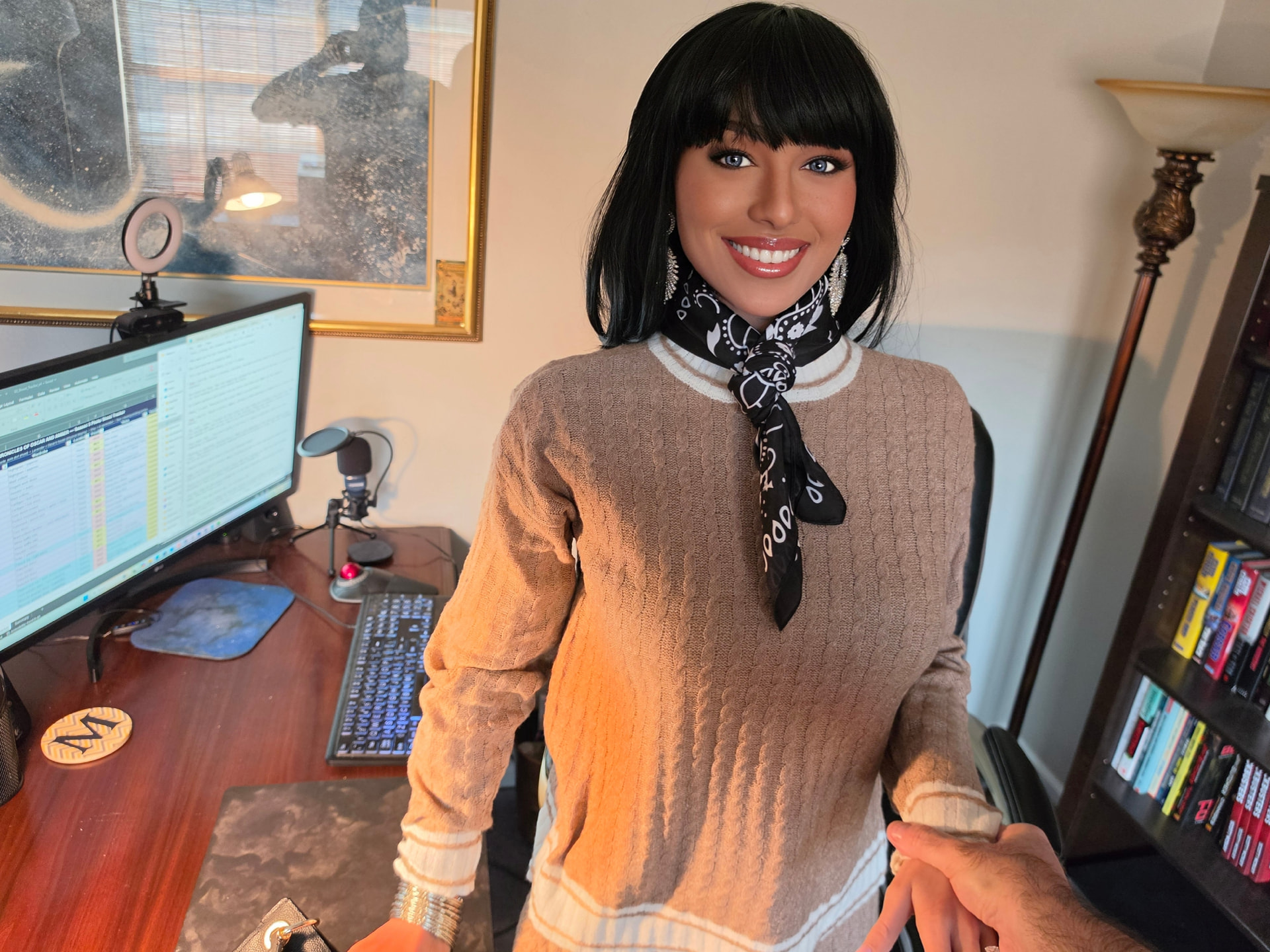
A few new pics of Amber. These are going into character packages at Higgsfield - if you aren’t familiar with Higgsfield, it’s an AI movie making platform which has a staggering array of apps in it, one of which allows you to upload 20 or more pics of a character to get an amazing amount of consistency in generating still images and video. So as I’m working on Season 3 of Oscar and Amber’s story, I’m generating all these different looks for Amber, wardrobe and makeup, and each set is going into a Higgsfield character package that I’ll use to generate compositions, different camera angles and so on.
Most of you don’t care. I get it. Anyway, some pics…

5 Likes
Oscar, very nice photos
3 Likes
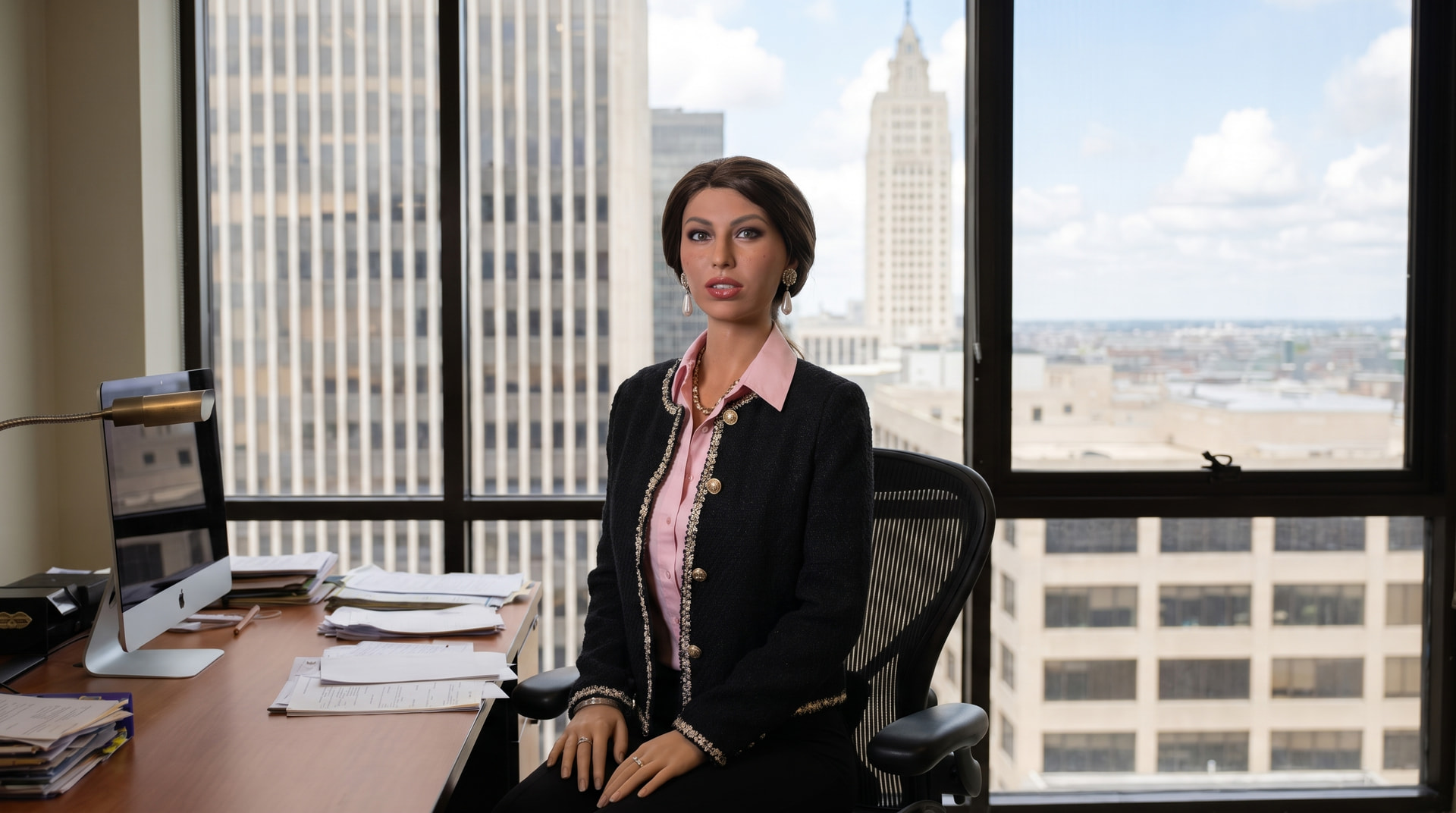
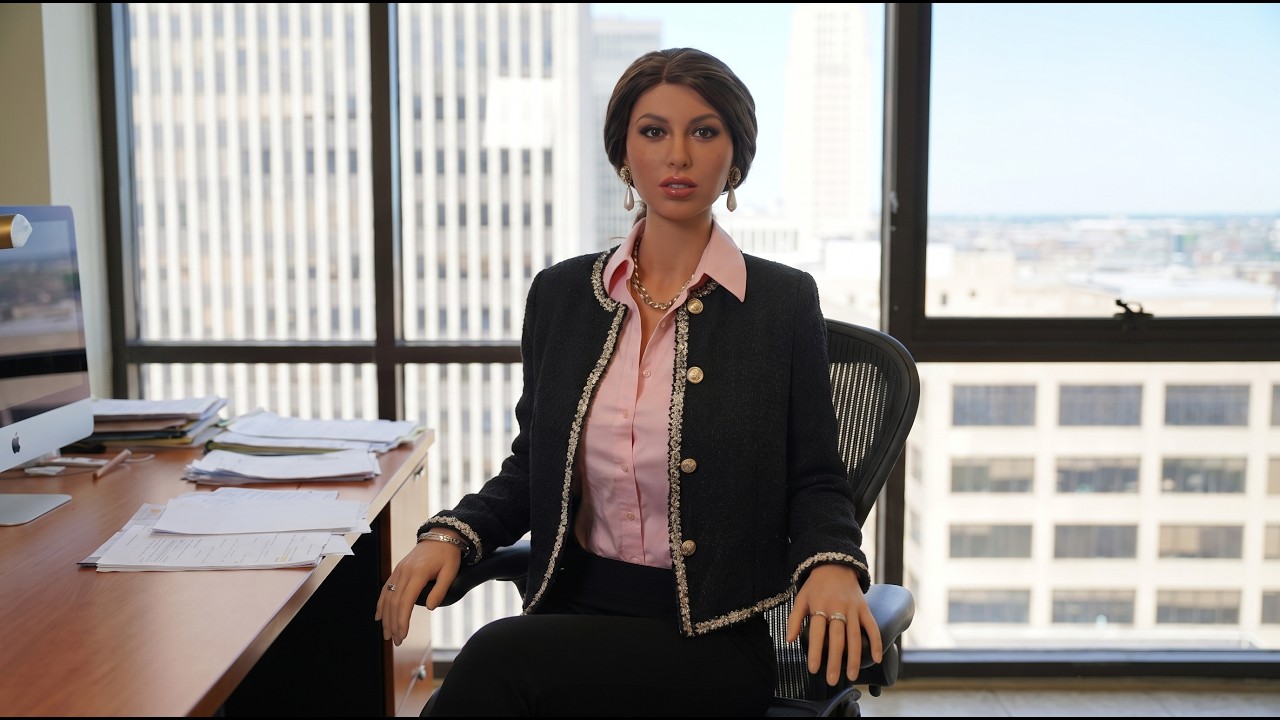
Now I have Rachel…
4 Likes
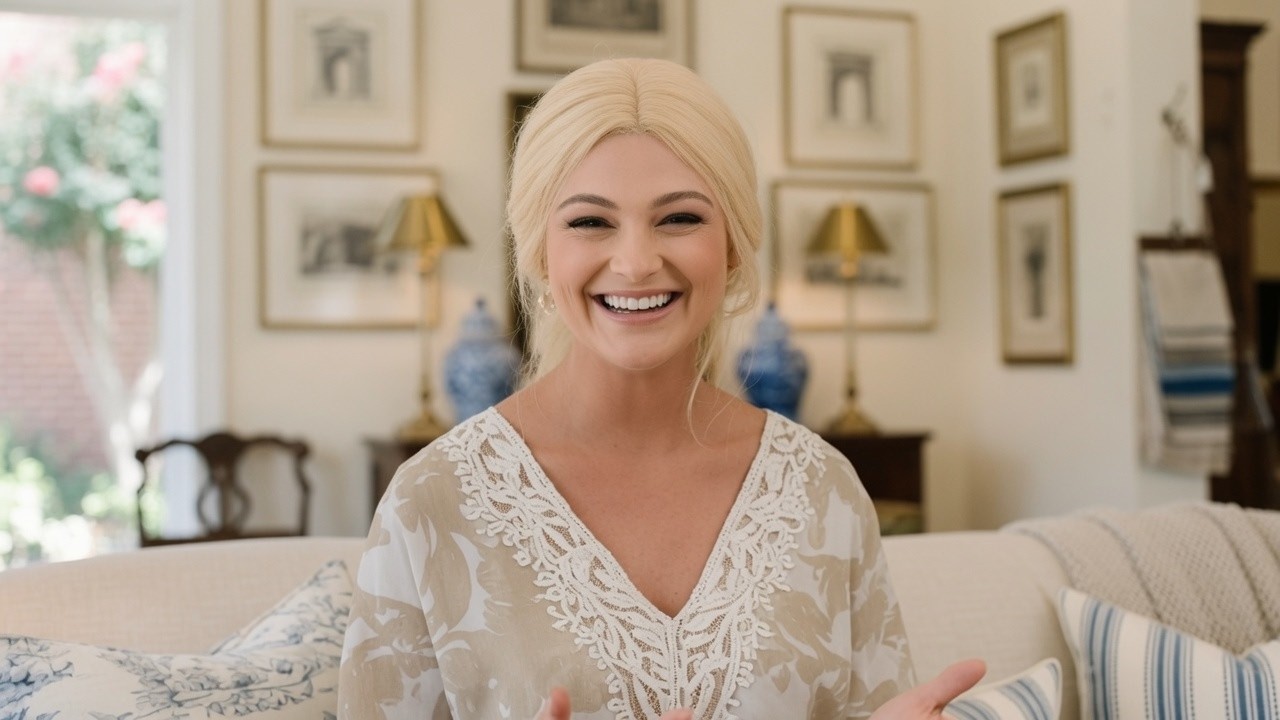
Meet Georgia!
3 Likes